
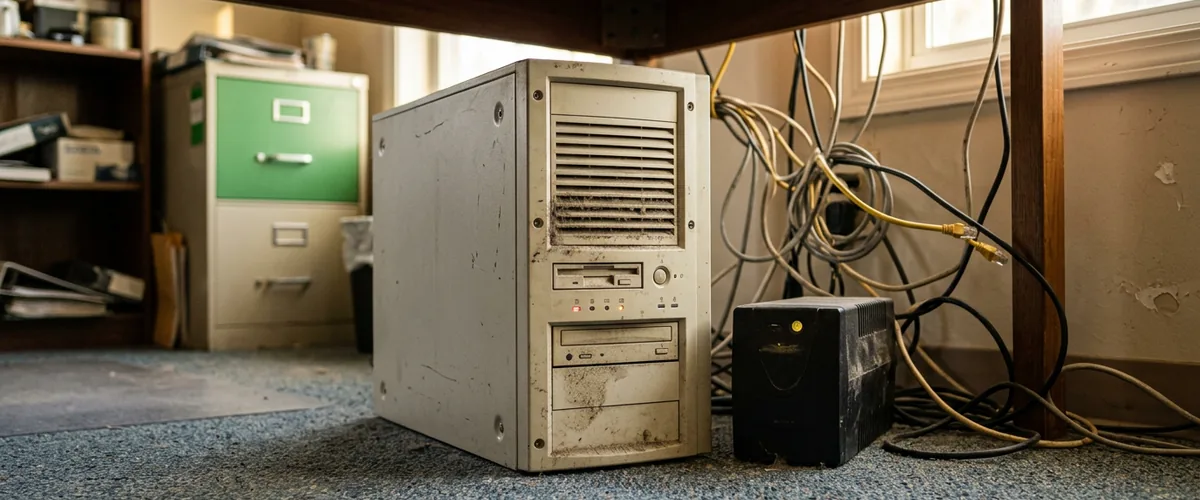
A seven-year-old server should be replaced or moved to Azure within the next twelve months, and the right answer depends on three things, what runs on it, who needs it from where, and what happens the day it stops.
Seven years is past every number on the paperwork. Dell caps the support it will sell on a PowerEdge at seven years. The drives inside it carried a one-year warranty of their own on the day it arrived. And if the operating system on it is Windows Server 2016, the last security update lands on January 12, 2027. None of that means the box will fail next month. It means nobody is on the hook if it does.
VJNetworks runs cloud migrations to Azure and Microsoft 365 and still builds on-premises servers when that is the right answer, and Azure migrations are most of my week. So this is not a piece about why the cloud wins. It is the decision as we actually work it with owners in Rockland, Westchester, and Bergen, with 2026 prices taken from Microsoft’s, Dell’s, and HPE’s own pages, and the three questions that settle it.
The Windows Server 2016 deadline has its own options and deserves its own piece. This one is about the hardware underneath, because the age of the box outlives whichever version of Windows happens to be on it.

What Seven Years Means for the Hardware
Start with what the manufacturers will and will not stand behind. Dell’s configurator for a current PowerEdge T360 ships the box with twelve months of next-business-day support, sells extensions, and states that the maximum term is seven years. Dell’s warranty terms add that SATA and SAS drives bought as part of a server carry a one-year limited warranty, independent of the system warranty. HPE’s entry ProLiant ML30 Gen11 ships with a three-year parts, one-year labor, one-year onsite warranty. A server bought in 2019 is outside all of it.
The drives are the part that ages. Backblaze, which publishes failure statistics on hundreds of thousands of drives, found that modern drives barely crack a 1.3% annualized failure rate in their first year and peak at 4.25% at ten years and three months. Drives are better than they used to be. Backblaze’s 2021 analysis of the drives it was running then peaked at 14.24% at seven years and nine months, and the drives in a 2019 server are closer to that generation than to this one. Nobody can tell you the drive in your closet fails this year. The curve says the odds have been climbing for a while.
Then the electricity. Nobody budgets it. The EIA’s July 2026 commercial rate is 24.18 cents per kilowatt-hour in New York and 19.17 in New Jersey. A server that averages 150 watts, which is a modest tower doing modest work, burns about 1,314 kilowatt-hours a year running continuously. Call it $318 a year in New York, $252 in New Jersey, and roughly double that for a box that draws 250 watts. The Uptime Institute’s own research on refresh cycles found a strong case for energy savings when replacing servers up to nine years old, and its 2026 survey of data center operators puts their reported server lifetime at about 41 months. Data centers are not small offices. A seven-year-old box is still double what the people who run servers for a living tolerate.
The machine is probably not about to die. Stable servers stay stable for a long time. The argument is about exposure. No warranty, no parts commitment, drives on the wrong side of the curve, and an operating system either at or near the end of its updates. That combination is fine until the one afternoon it is not, and on that afternoon every option is more expensive than it is today.
The Three Questions That Decide It
Replacing a server on premises, rehosting it in Azure, or retiring it into Microsoft 365 are three different products, and the right one is chosen by the workload rather than by the calendar. We settle it with three questions, asked in this order, and the answers usually make the decision before anyone prices anything.
What actually runs on it. Write the list down. File shares. Print. Active Directory and DNS. A database. The accounting, estimating, or practice-management package that was installed in 2019 and has been patched twice since. A server that only holds files and logins is a different problem from a server that hosts an application the business cannot invoice without. Most seven-year-old servers in offices this size are the first kind wearing the costume of the second.
Who needs it, from where. If everyone works in the building, a box in the building is a reasonable place for the data. If a third of the staff are hybrid, if there is a second location, if the owner works from the Jersey Shore in August, then the server’s real job is being reachable, and a closet on a small-office internet circuit in Nanuet is a harder place to be reachable from than Microsoft’s network. This question is where Azure earns its price.
What happens the day it stops. Not the day it slows down. The day the RAID controller fails on a Tuesday and the last verified restore was, when, exactly. If the answer involves waiting for parts for a seven-year-old model, or discovering that the backup lives on the same box, the decision is already made and the only question left is which direction.
| Your situation | Usual answer | Why |
|---|---|---|
| The server holds files, printing, and logins, and nothing else | Retire it into Microsoft 365 | SharePoint, OneDrive, and Entra ID already come with the license most offices pay for |
| One application needs Windows Server and the vendor supports it on a virtual machine | Move to Azure | Same application, no hardware cycle, backup and recovery built into the platform |
| The application needs a physical machine, a USB license key, or equipment on the shop floor | Replace on premises | Some workloads cannot leave the building, and pretending otherwise costs more than the server |
| Large working files, such as CAD or media, on a connection that struggles with big uploads | Replace on premises, back up to Azure | Bandwidth decides this one, and the backup still leaves the building |
| Staff split across locations or working remotely most of the week | Move to Azure, often with a hosted desktop | The server’s job is reachability, and a closet is the wrong place for that job |
| A stable application, an office-only staff, and a tested backup | Replace on premises | On paper the new box is cheaper, and nothing in your answers argues against paper |
What a New Server Costs in 2026
The hardware is the smallest line. Dell’s PowerEdge T360 starts at $5,298.99 as configured on its page today, with a four-core Xeon, 32 GB of memory, a single 2 TB drive, one power supply, and twelve months of basic support. The rack version, the R360, is $5,499. HPE lists the ProLiant ML30 Gen11 from $3,598 at a reseller-recommended price with 16 GB and a smaller power supply. Every one of those starting configurations needs a second drive and usually a second power supply before I would put a business on it, so budget above the starting number.
Then the operating system, which does not come with the box. Windows Server 2025 Standard lists at $1,176 for the 16-core minimum, and every user or device that touches the server needs a client access license on top. Microsoft’s own store sells the 16-core license with ten CALs for $1,848. One more check before you buy. Windows Server 2025 requires a processor with the SSE4.2 and POPCNT instruction sets, which rules out reusing genuinely old hardware, though a 2019 Xeon clears it.
| On-premises line item | Published price | Five-year note |
|---|---|---|
| Dell PowerEdge T360, starting configuration | $5,298.99 | Add a second drive and power supply for anything you rely on |
| Windows Server 2025 Standard, 16 cores, with 10 CALs | $1,848 | More users means more CALs |
| Support extension | About $106 per year for next-business-day ProSupport on Dell’s configurator | Roughly $530 over five years; four-hour response costs more |
| Electricity at 150 watts average | About $318 a year in New York, $252 in New Jersey | $1,260 to $1,590 over five years, more for a bigger box |
| Off-site backup | Azure Backup, $10 a month per protected server plus storage | Needed either way. Do not skip it because the server is new |
Add those up and a modest on-premises server runs somewhere around $9,000 to $10,000 over five years before labor, or about $155 a month spread across the life of the box. That is the number the cloud has to beat, and for a stable, office-only workload it often does not.
What the Same Server Costs in Azure
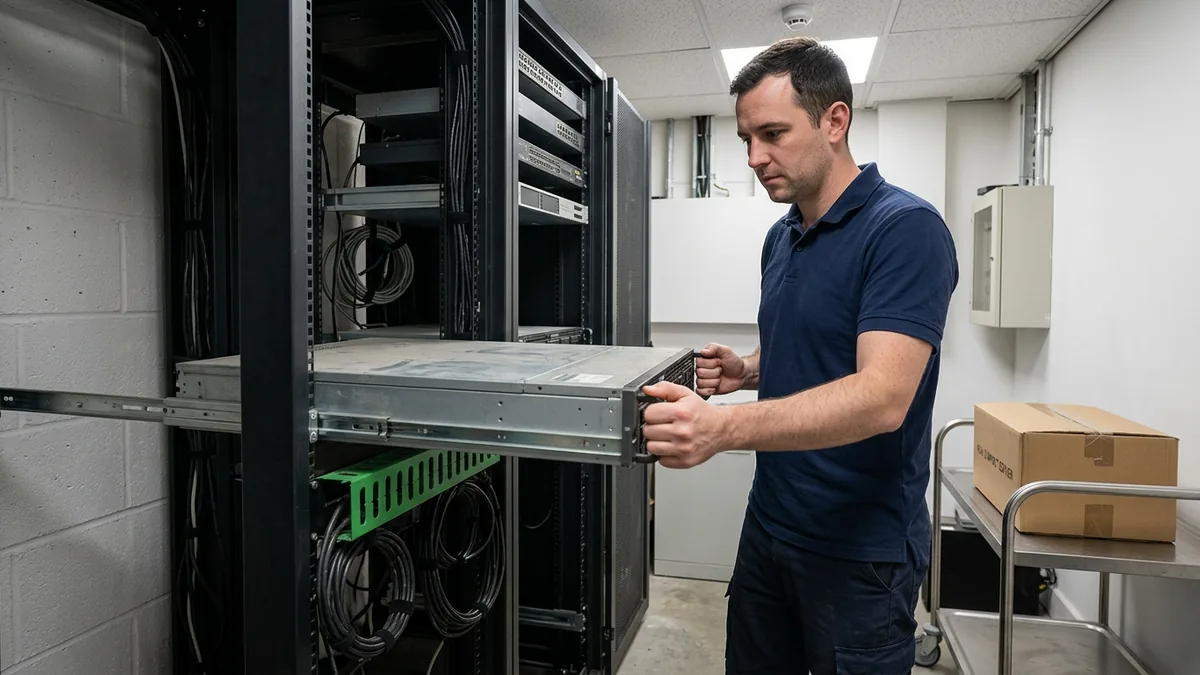
Azure prices are public, per hour, and East US is the region we use. A D2s v5 virtual machine running Windows is $0.188 an hour on pay-as-you-go, which is about $137 a month. The D4s v5, with twice the cores and memory, is $0.376 an hour, about $274. A 512 GB premium SSD disk is $73.22 a month. Azure Backup is $10 a month per protected machine plus about two cents per gigabyte stored. The first 100 GB of data leaving Azure each month is free, then 8.7 cents a gigabyte, which matters if the office pulls large files down all day and does not matter for an accounting database.
| Azure line item, East US | Pay as you go | Three-year reservation |
|---|---|---|
| D2s v5 virtual machine, Windows, 2 vCPU, 8 GB | About $137 a month | $997 for three years of compute, about $28 a month, plus the Windows license unless you bring your own |
| D4s v5 virtual machine, Windows, 4 vCPU, 16 GB | About $274 a month | $1,993 for three years of compute, about $55 a month, plus the Windows license unless you bring your own |
| Premium SSD, 512 GB | $73.22 a month | Same |
| Azure Backup, one server, 500 GB | About $21 a month | Same |
| Outbound data | First 100 GB a month free, then $0.087 per GB | Same |
So a small file and application server in Azure lands around $230 a month on pay-as-you-go, close to $14,000 over five years, against roughly $9,000 to $10,000 for the box in the closet. The reservation changes that. Commit to three years and the compute portion drops by more than half. If you hold Windows Server licenses with Software Assurance, Azure Hybrid Benefit lets you bring them and take the Windows charge off the bill entirely. Microsoft says the two combined can save up to 80% against pay-as-you-go. Most licenses that came bundled with a Dell or HP purchase order do not carry Software Assurance. Check the paperwork before you count on it.
Here is the honest framing, and I say it to owners before I quote anything. If your answers to the three questions were “just files,” “everyone is in the office,” and “we restore-tested last month,” the new server wins on price and you should buy it. The cloud is not automatically cheaper. Flexera’s 2026 survey of cloud buyers found wasted cloud spend rising to 29%, and that survey skews toward companies far larger than yours with far more room to waste. Azure wins when the second question or the third one has an expensive answer.
What you are buying for the difference is the day it stops. A single Azure VM on premium storage carries a 99.9% uptime commitment in Microsoft’s service agreement, two of them in an availability set reach 99.95%, and the server in your closet carries no commitment from anyone. The backup is a checkbox rather than a project. And the delivery model changes. An Azure environment with a terminal server, where the desktop lives centrally and a laptop in Suffern or Paramus is just a window into it, costs more per seat than workstations in the office. It also builds disaster recovery into the design instead of bolting it on afterward. We run that model for regulated clients and unregulated ones alike, including a construction client, because it is an architecture choice rather than a compliance one. If the staff are already on Microsoft 365 Business Premium, Azure Virtual Desktop is included in that license and you pay only for the Azure infrastructure underneath it.
Two more facts that shape the cloud side. Azure Migrate, Microsoft’s tool for discovering what a server actually does and what it would cost to run in Azure, is free, and we run it before pricing anything so the VM size is measured rather than guessed. And if the box is on Windows Server 2016, Extended Security Updates are free for machines hosted in Azure and sold, through Azure Arc, for machines that stay on premises. Moving the workload buys three more years of patches for nothing, which is sometimes the whole argument on its own. Our Microsoft 365 and Azure page covers what belongs in each model.
The Third Option Most Offices Miss. Retire It
The question nobody asks is whether the server needs to exist. In a lot of offices this size, it does not anymore. Microsoft 365 Business Premium at $22 per user per month includes 1 TB of OneDrive per user and 1 TB of SharePoint storage plus 10 GB per license for the company, along with Entra ID for identity and Intune for the devices. A twenty-person office that pays for that already owns a file server, a login server, and a device management platform that it is not using because the box in the closet got there first.
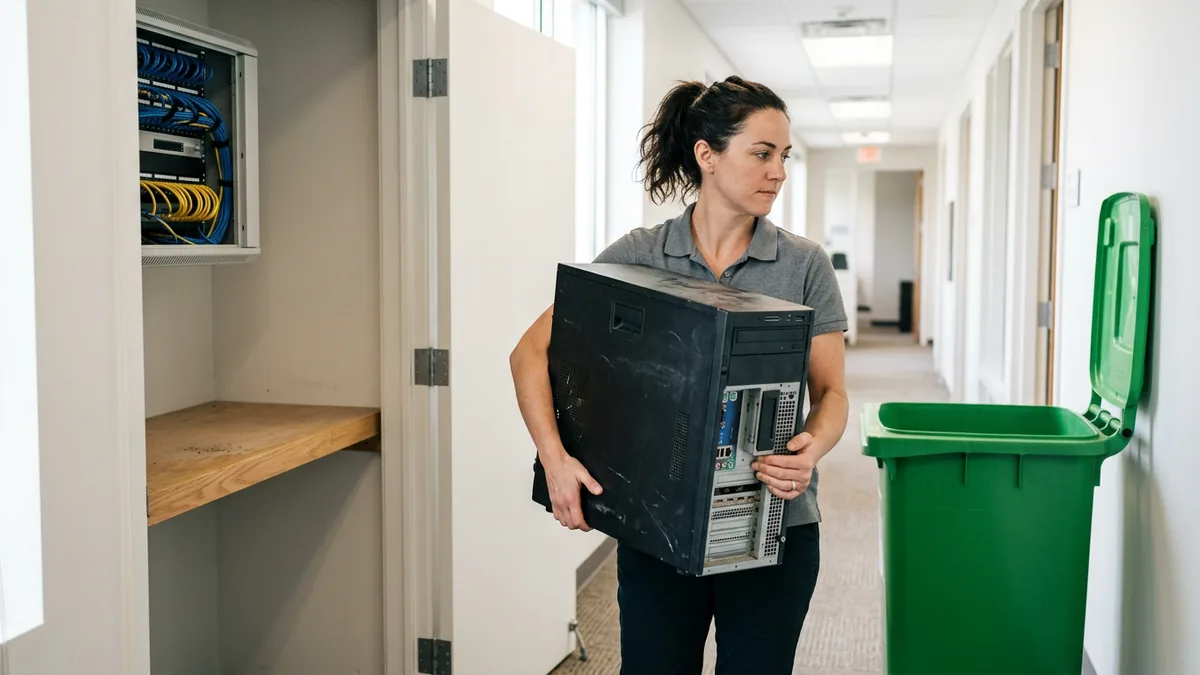
Files go to SharePoint, not to individual OneDrive accounts. OneDrive is the personal version of SharePoint and SharePoint is the company version of OneDrive, and companies should use the company version. Logins move to Entra ID. Printing goes to the printers directly or through a cloud print service. The server gets wiped and recycled, and the closet becomes a closet. We wrote the full comparison in SharePoint and OneDrive versus a file server, and the short version is that a server whose only job is files and printing has been replaceable by the license you already pay for since long before it turned seven.
What breaks this path is the application. If the estimating package, the practice-management system, or the accounting database only runs on Windows Server, retiring is off the table and the choice is back to the first two. Ask the vendor, in writing, which Windows Server versions they support and whether a virtual machine in Azure is a supported configuration. That one email decides more than any spreadsheet.
What Waiting Costs
Verizon’s 2026 breach report found that 31% of breaches now start with the exploitation of a vulnerability, overtaking stolen credentials as the leading way in, and that only 26% of critical vulnerabilities were fully remediated by organizations in 2025. Ransomware was involved in 48% of breaches, and the report says plainly that small organizations are hit disproportionately. A server that no longer receives updates is the definition of an unremediated vulnerability. CISA puts it in one sentence for small businesses. When software or hardware is no longer supported, it doesn’t get security updates.
The recovery side is where the old server hurts most, because it is usually also where the backup lives. Sophos runs a large, vendor-commissioned ransomware survey every year. In it, 94% of organizations hit by ransomware said the attackers went after their backups. More than half of those attempts worked. Median recovery cost was $3 million when the backups were compromised and $375,000 when they were not. Those figures come from companies much larger than yours. The ratio is the point. A backup that lives on the same aging box as the data is not a backup. It is a second copy of the problem, which is why backup and disaster recovery is the first thing we move off an old server, whatever else stays.
How We Run the Decision
This takes a few weeks. It commits you to nothing until the facts are in.
- Inventory what runs on the server, including the roles nobody thinks of as roles. DNS, DHCP, the print spooler, the scanner’s destination folder.
- Email every software vendor whose product lives on it and ask, in writing, which Windows Server versions they support and whether Azure is a supported host.
- Find the license paperwork and look for Software Assurance. It decides whether Azure Hybrid Benefit and on-premises Extended Security Updates are available to you.
- Run the Azure Migrate assessment for two weeks so the VM size reflects real load rather than a guess.
- Price both builds side by side, on the same page, five years out, with backup on both.
- Answer the three questions honestly and pick. Then schedule the window before the old box picks it for you.
VJNetworks builds both. Managed IT starts at $995 a month and covers the server either way, in the closet or in Azure, and someone from my team responds within 15 minutes during business hours whichever one you choose. The assessment that runs the six steps above is free, and it comes before any quote. If the answer is a new Dell, we will say so.
What Owners Ask Once the Quotes Are on the Table
The server still works fine. Why not run it until it dies?
On paper the new server is cheaper. Where does Azure make that up?
Our software vendor says it only runs on a physical server. Now what?
Can we keep the old server around as a backup after we move?
Do we need Software Assurance for any of this?
What about a small new server plus Azure, instead of one or the other?
How long is the office disrupted during a move?
We will inventory what actually runs on it, price a replacement and an Azure build side by side, and tell you which one we would pick and why. Written findings, no obligation.