
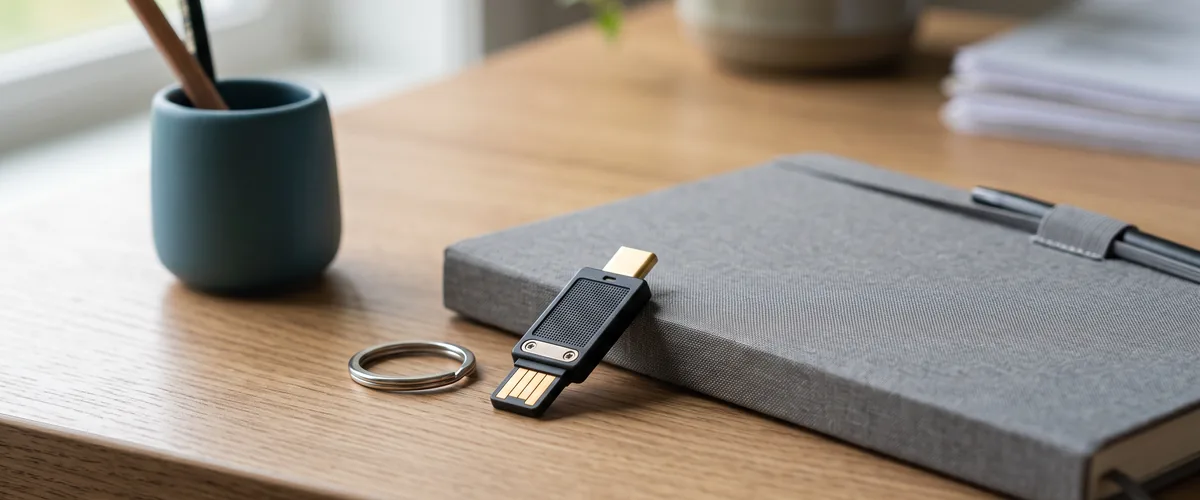
Microsoft Authenticator without phone access is still workable: FIDO2 security keys need no phone at all, hardware OATH tokens work in Entra ID (still in preview), and Windows Hello for Business covers a person’s own Windows PC, each with trade-offs.
None of them is a one-click swap. Each one trades something: hardware to buy, admin setup to plan, or a limit that only shows up once someone tries it. What follows is what Microsoft’s own documentation says, checked on November 1, 2026, not what a forum thread guesses at.
Why “No Smartphone” Became a Real Problem
Microsoft is retiring the SMS and voice codes it delivers itself in Microsoft Entra ID, for both sign-in verification and self-service password reset. The date is February 1, 2027 for every user except Global Administrators and external users, who follow on July 1, 2027. Internal guest accounts stay on the February date.
After that, anyone whose only MFA method is a Microsoft-delivered text or call has to register a passkey during sign-in before they can continue, and there is no opt-out from that enforcement, according to Microsoft’s FAQ on the change, updated October 26, 2026. The one exception is an organization that sets up a paid telephony provider through Microsoft Security Store. Microsoft opened that for configuration on October 30, 2026 and positions it for a business, regulatory, or technical need.
It’s a sign-in change, but it belongs on a small office’s cybersecurity to-do list before February. We’ve covered why a single sign-in code was never the whole story in why MFA alone isn’t enough anymore. This piece is about what replaces the code itself. The dates and what staff will see are in our guide to the SMS and voice MFA retirement, and how a Microsoft passkey works for staff covers the passkey itself.
Microsoft’s plan assumes people carry a phone that can hold a passkey. For passkeys in Microsoft Authenticator, its published requirement is Android 14 or later, or iOS 17 or later. Mike Stoveken, VJNetworks’ VP, raised the gap himself, unprompted, when this topic came up. Not everyone has a phone that supports the modern app, and older phones can’t run it. Picture an Android phone that never got the update, a basic phone that can’t install apps at all, or a shared device at a front desk.
Microsoft Authenticator Without Phone Access: What Microsoft Actually Documents
Three methods in Microsoft Entra ID don’t depend on a phone at all: a FIDO2 security key, a hardware OATH token, and Windows Hello for Business. A fourth, six-digit codes from an authenticator app, still needs a phone, but not necessarily one that can hold a passkey. Each has a different catch.
FIDO2 Security Keys: Sign In With No Phone at All
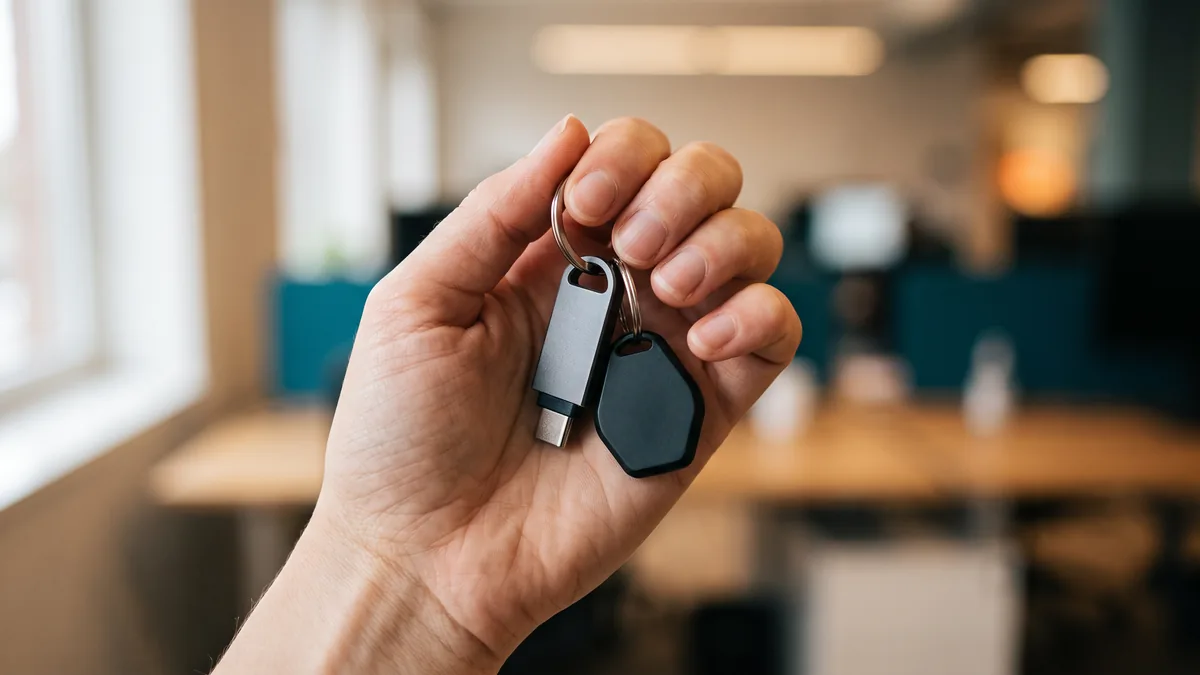
A FIDO2 security key is a small physical device that plugs into a USB port or, on NFC models, taps against a reader. No cellular signal. No app to install. Microsoft’s passkey documentation counts FIDO2 security keys as device-bound passkeys. That matters. Microsoft’s retirement guide says SMS and voice users are placed into a passkey profile “allowing all types of passkeys.”
In an FAQ answer about places where mobile passkeys aren’t always available, the first option Microsoft lists is “a supported hardware security key as a phishing-resistant alternative to mobile passkeys.” The same passkey documentation recommends security keys for highly regulated industries and users with elevated privileges.
The catch is cost, and what happens when someone loses one. Yubico’s online store, for example, lists its basic Security Key NFC at $29 and its YubiKey 5 NFC at $58 (checked November 1, 2026). Microsoft is candid that keys “can increase costs for equipment, training, and helpdesk support,” especially “when users lose their physical keys and need account recovery.” That’s why we’d plan two per person. One on the keyring, one locked away as a spare.
Hardware OATH Tokens: No Phone Needed, Still in Preview
A hardware OATH token is a small fob that shows a new six-digit code every 30 or 60 seconds. No app, no pairing, no network connection. Microsoft Entra ID accepts it as an MFA method, but Microsoft’s OATH tokens documentation still labels hardware tokens “preview,” not general availability.
Setup is heavier than it looks. Microsoft says tenants with a Microsoft Entra ID P1 or P2 licence can upload tokens from a CSV file. Its newer management option runs through Microsoft Graph, Microsoft’s programming interface, with no admin-center screens for it in this preview.
Microsoft’s licensing documentation says Microsoft 365 Business Premium includes P1. Otherwise P1 lists at $7 per user per month, paid yearly, on Microsoft’s Entra pricing page. One more limit: hardware OATH tokens aren’t on Microsoft’s list of phishing-resistant methods. Someone can still be tricked into typing the code into a fake sign-in page.
Windows Hello for Business: Strong, But Tied to One PC
Windows Hello for Business replaces the password with a fingerprint, a face scan, or a PIN on a Windows PC. Microsoft describes it as phish-resistant two-factor authentication. The PC’s security module protects the key, and the PIN or biometric unlocks it.
Microsoft’s retirement guide names Windows Hello among the phishing-resistant methods to move users onto before February 1, and people who already sign in with it can keep using it. Licensing comes from Windows, not Entra ID. Microsoft lists Windows Pro, Pro Education/SE, Enterprise E3 and E5, and Education A3 and A5 as granting it. Windows Home isn’t on that list.
The limits are practical. Microsoft calls the credential device-specific, so it does nothing for the same person on a second PC, a shared workstation, or a phone. Setup starts with “an initial two-step verification of the user during provisioning,” so do it while the person’s current method still works. And Microsoft’s authentication methods table notes that using it as a step-up second factor requires the user to be enabled for passkeys and to have one registered. Good for someone at their own desk. Not a fix for someone who moves between machines.
Authenticator App Codes: An Option for Older Phones
There’s a quieter option most write-ups skip. Entra ID accepts six-digit codes from Microsoft Authenticator or any OATH TOTP-compatible app. Microsoft says third-party apps are enabled for sign-in by default unless an administrator turns them off, “providing an alternative where Microsoft Authenticator is unavailable.”
These codes aren’t part of the retirement. Microsoft’s FAQ says TOTP “remains supported for existing and new registrations after February 1, 2027,” subject to your organization’s policies, and people who use it won’t get the blocking passkey prompt.
Two caveats. It still needs a phone or device that can run such an app, so check the specific app’s requirements against the phone in hand. And it isn’t phishing-resistant. In Microsoft’s words, it “doesn’t satisfy a Conditional Access policy that requires phishing-resistant authentication.”
| Method | Needs a smartphone? | Phishing-resistant? | What it needs |
|---|---|---|---|
| Microsoft-delivered SMS or voice code | Any phone | No | Retires Feb 1, 2027; after that, only through a paid telephony provider |
| Passkey in Microsoft Authenticator | Yes: Android 14+ or iOS 17+ | Yes | No additional cost, per Microsoft |
| Authenticator or third-party code app | A phone that runs the app | No | Third-party apps on by default unless an admin turns them off |
| FIDO2 security key | No | Yes | The key itself, $29 to $58 at Yubico list prices |
| Hardware OATH token | No | No | The token; still in preview; CSV upload needs Entra ID P1 or P2 |
| Windows Hello for Business | No | Yes | Windows Pro, Enterprise or Education; works on that PC only |
Sources: Microsoft Learn (authentication methods overview, SMS and voice retirement guide and FAQ, OATH tokens, passkeys, Windows Hello for Business) and Yubico’s store, checked November 1, 2026.
What This Actually Costs a Small Office
Licensing first. Microsoft’s FAQ says moving SMS and voice users to passkeys incurs “no additional cost,” and a security key counts as a passkey. Where a licence does come in, as with the hardware token upload route, it’s Entra ID P1 at $7 per user per month, which Business Premium already includes. We broke down the fuller picture, password manager and Premium upgrade included, in what identity and access management costs a 50-person business.
Then hardware. Keys and tokens are equipment. In VJNetworks’ agreements, hardware is billed separately, the same as toner, so a key is a purchase, not a line in the support contract.
Most offices don’t need a key on every desk. Our approach: keys for the accounts that would hurt most if compromised, your Microsoft 365 administrators and whoever approves payments, two per person so a lost key isn’t a lockout. Microsoft’s guidance points the same way. It recommends security keys for regulated industries and elevated privileges, and for most other users it points to synced passkeys, the kind stored in Apple’s or Google’s password managers. For someone whose phone can’t handle passkeys, authenticator app codes are one of the options Microsoft lists.
Where VJNetworks Stands Today
We’re still looking into alternatives for clients whose staff carry older phones, and we haven’t settled on a single answer. The right option depends on the office: the phones people actually carry, the budget, whether IT is in-house or not. If your team runs older phones, talk with your IT provider about which option fits before February 1, 2027. Most topics don’t get that kind of hedge from us. This one does.
Questions We’re Getting From Office Managers
What can staff use for Microsoft Authenticator without phone access?
Are hardware OATH tokens the same thing as a FIDO2 security key?
Does Windows Hello for Business replace the need for a phone entirely?
What happens on February 1, 2027 if someone has no backup method set up?
Is there a real cost to switching someone to a hardware security key?
Can an older phone still do anything useful here?
Talk with our team about where your office stands before the February 2027 deadline. No cost, no obligation.