
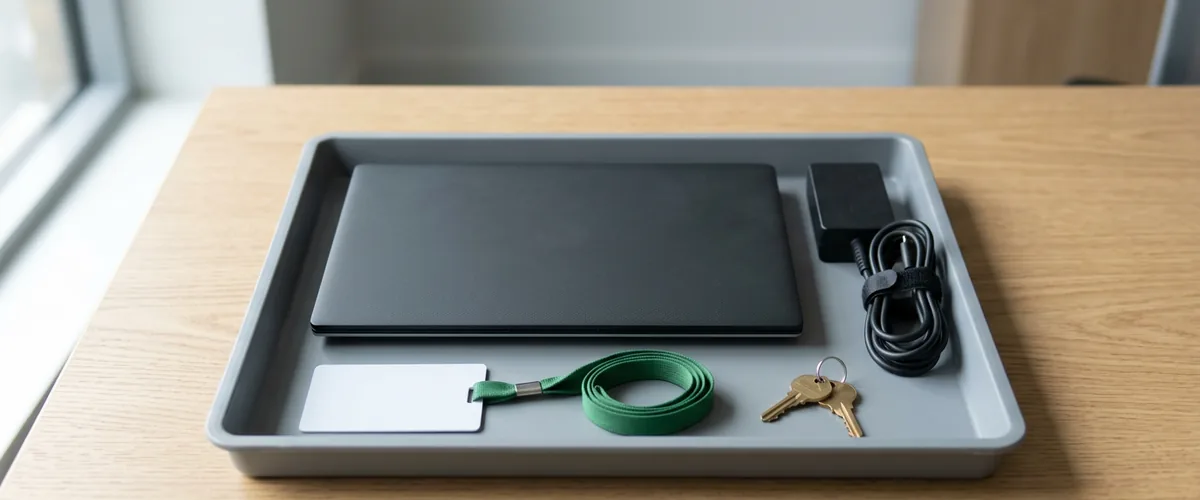
In the first hour of IT offboarding, reset the departing employee’s password, sign them out of every session, and take their devices and shared passwords out of reach, because blocking sign-in alone can take up to 24 hours.
That 24-hour figure is Microsoft’s, not mine. It comes from Microsoft’s own instructions for preventing a former employee from signing in, and it’s the reason the order of the first few steps matters more than the length of the checklist.
Offboarding is one of the controls on our cybersecurity page, and it’s part of the managed IT VJNetworks runs for businesses in Rockland, Westchester, and Bergen. What follows is the procedure. In order. It assumes Microsoft 365, which is what most of our clients run. Google Workspace gets its own short section near the end.
IT offboarding is the set of steps that removes a departing employee’s access to company accounts, data, and devices while keeping the records they leave behind. The first hour is access. The rest of the week is data, licenses, and cleanup. Mixing the two up is how files get lost. Keep them apart.

Why the First Hour Is the Window
When someone signs in to Microsoft 365, their laptop and phone are handed an access token, and that token keeps working until it expires. Microsoft’s documentation puts the default at about one hour. Its developer documentation says 60 to 90 minutes, and longer for some clients. Disabling the account doesn’t recall a token that’s already been issued. In any app that relies on those tokens, Microsoft’s words are that the user loses access when the access token expires. Nothing is broken. That’s the design.
Two things shorten that window. The first is Continuous Access Evaluation, which Microsoft built into Exchange Online, SharePoint Online, and, partially, Teams. When an account is disabled, a password is reset, or an administrator revokes all of a user’s sessions, those services react in near real time, with delays of up to 15 minutes. It’s available in every tenant. It doesn’t cover everything, though. Microsoft’s own tables list some Office web apps and the desktop OneDrive clients as unsupported. The second is doing the steps in the right order, which is the rest of this post.
The rules point the same way. The Center for Internet Security’s Control 6.2 calls for disabling accounts immediately upon termination, and it sits in Implementation Group 1, the baseline meant for the smallest organizations. New York’s DFS cybersecurity regulation requires licensed businesses such as insurance agencies to promptly terminate access following departures, which we cover in more detail on our DFS compliance page for insurance agencies. And the proposed update to the HIPAA Security Rule, published in January 2025, would require a workforce member’s access to be terminated no later than one hour after employment ends. That rule isn’t final. The current federal regulatory agenda targets July 2027. The number is still telling.
One hour. Written into a proposed federal rule.
Before the Conversation
Most of the first hour is decided before it starts. CISA’s insider threat guidance says to notify IT of the date and time of the separation meeting so access can be removed at the right moment. NIST goes a step further for terminations for cause, and suggests organizations consider disabling accounts before the person is notified.
For a resignation with notice, the hour starts at the end of the last day. For a termination, it starts when the conversation does. Either way, whoever runs IT should have these answers in hand beforehand.
- Every account the person signs in to, starting with Microsoft 365 and continuing through payroll, banking, vendor portals, and the line-of-business software.
- Whether they hold any administrator role. That changes the list.
- Which shared passwords they know or can see.
- Which devices they have, including a personal phone with company email on it.
- Who takes over their mailbox and their files. In Microsoft 365, the manager listed on the account gets access to the person’s OneDrive by default, when the account is deleted, so check that the manager field is actually filled in.
That list is also the difference between an offboarding that takes an hour and one that takes a week. Write it down. If nobody can produce it, the problem is bigger than one departure, and our piece on identity and access management beyond MFA is the better place to start.
The First Fifteen Minutes
Order beats speed here. Microsoft’s first step for a former employee starts with resetting the password, and its reason is specific. Blocking an account can take up to 24 hours to take effect, and a password reset is the immediate action. Here’s the sequence.
- Reset the password in the Microsoft 365 admin center. Resetting a password is also one of the events Continuous Access Evaluation reacts to, so Exchange and SharePoint start refusing the old session within minutes.
- Sign the person out of all sessions. In the admin center, Microsoft says users are prompted to sign in again within an hour. The PowerShell cmdlet Revoke-MgUserSignInSession invalidates their refresh tokens and browser session cookies directly.
- Block sign-in. It’s slower to bite than the reset, but it stays in place while the rest of the list gets done.
- Remove their multifactor authentication methods. In Microsoft Entra, Require re-register MFA deletes their registered phone numbers and Microsoft Authenticator apps and deactivates hardware tokens, so an authenticator on a phone they keep can’t help anyone back in.
- If they held an administrator role, remove it, and change every admin credential they knew. That includes the login to the domain registrar, which sometimes turns out to sit in an employee’s personal account.
Password first, then sessions, then the block. Doing it the other way around is an easy mistake to make. Blocking feels final. It isn’t. Not right away.
The Rest of the Hour
Devices
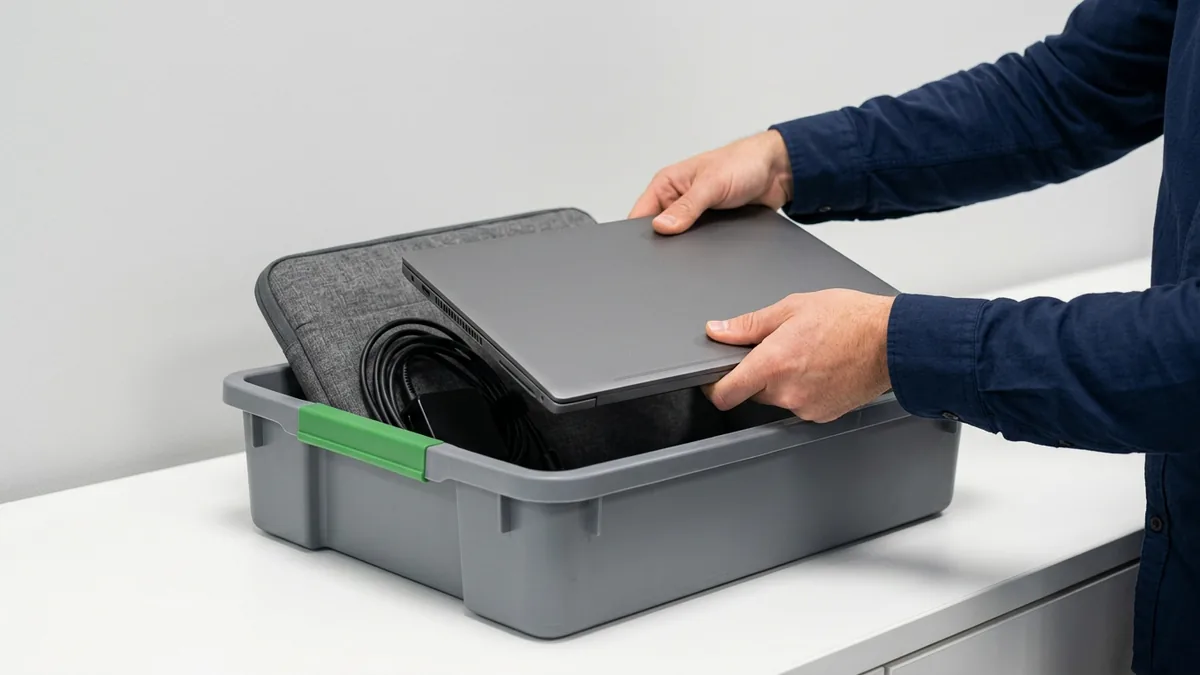
Collect the company laptop. Don’t wipe it yet. Microsoft’s own order puts saving the mailbox before wiping devices, and a laptop can hold the only copy of something the business still needs, a file saved to the desktop, a local archive, a folder that never synced. Lock it away until someone has decided what’s on it.
Phones depend on ownership. Intune’s Retire action removes company data and apps from a personally owned phone and leaves the person’s own photos and messages alone. Wipe is a factory reset, and belongs on company-owned devices only. Both wait for the device to connect to the internet before they run. Hardware security keys and any other sign-in tokens come back with the laptop.
Apple devices add a trap. If the employee signed in with a personal Apple Account, Activation Lock can leave the device unusable, since Apple requires that account’s password before anyone can erase or reactivate it. Devices your business added to Apple Business can have the lock turned off by an administrator, according to Apple’s deployment guide. Devices that were never enrolled depend on the person signing out before they hand it back.
Clients keep writing. Decide in this hour whether mail forwards to a colleague or the mailbox becomes a shared mailbox someone else can open. A shared mailbox needs no license up to 50 GB, which is why it’s the usual choice. Microsoft adds a warning on the conversion page that surprises people. If you don’t reset the password, the original username and password will continue to work on the shared mailbox. Easy to miss. Step one earns its place twice.
Shared Passwords
BitWarden is our recommended system, and it handles the vault side cleanly. Revoking a member cuts off every organization vault item and collection at once. Removing them makes it permanent. Items in the organization’s collections stay with the organization, and anything the person saved in their own My vault leaves with them, unless the company runs BitWarden’s Centralize organization ownership policy, which keeps those items with the business. Connected to Microsoft Entra through SCIM, BitWarden revokes the member automatically when the account is disabled there. One caveat from BitWarden itself. Offline devices can keep a cached, read-only copy of organization items for a short time after removal, and BitWarden says to update the credentials the member had access to if you anticipate misuse.
Carnegie Mellon’s CERT guide to insider threats puts it plainly for anyone who held elevated access. When a privileged user leaves, change all shared account passwords, service accounts, and network device credentials. All of them. That isn’t the scheduled password rotation NIST now advises against. It’s a change triggered by a specific event, someone who knows the password no longer being authorized to use it. Our guide to password managers for small business teams covers why the vault is where that list should live.
Then there are the accounts that don’t run through Microsoft at all. The shipping account. The bank portal. The social media logins. The software trial someone signed up for with their work address three years ago. Single sign-on catches the apps connected to it and nothing else.
What Waits for Later, and the 30-Day Clock
The first hour is about access. Deleting comes last. On purpose. Microsoft lists seven steps for removing a former employee, starting with preventing sign-in and ending with deleting the account, and the middle steps exist to save what the business needs before the delete.
| Step | When | What to know |
|---|---|---|
| Password reset, sessions revoked, sign-in blocked | First 15 minutes | Reset first. Blocking alone can take up to 24 hours to take effect |
| Devices collected, phones retired, shared passwords changed | First hour | Don’t wipe the company laptop until its data has been reviewed |
| Mail forwarded or converted to a shared mailbox | First day | No license needed up to 50 GB, but the mailbox needs a license at the moment it’s converted |
| OneDrive files handed to a successor | First week | The manager gets access by default when the account is deleted, if a manager is set |
| License removed | Once mail and files are handled | Mailbox content is deleted 30 days after the license comes off, unless it’s already a shared mailbox |
| Account deleted | Last, and only if nothing depends on it | Restorable for 30 days. Don’t delete it at all if mail forwards or it’s become a shared mailbox |
The last row matters most. Microsoft is direct about it. Don’t delete the account if you’ve set up email forwarding or converted it to a shared mailbox. And deletion starts a clock on the files. OneDrive keeps a deleted user’s files for 30 days by default, and that clock starts at deletion, not when sign-in is blocked or the license comes off. An administrator can raise the retention to anywhere from 30 to 3,650 days. Check that setting before the next departure, not during it.
The mailbox is different. When the license comes off, Microsoft holds the user’s data for 30 days and then permanently deletes everything except documents stored in SharePoint. Convert the mailbox to a shared mailbox first, and the license can come off safely.

If You Run Google Workspace
The logic is the same. The buttons differ. In Google Workspace, suspending a user makes their Gmail and Drive unavailable to them without deleting anything, and a suspended account is still billed at the full rate. Suspension also resets their sign-in cookies. Google’s own help notes, though, that resetting sign-in cookies doesn’t sign a person out of apps such as Gmail and Google Drive for desktop, which is one more reason the laptop comes back in the first hour.
Before deleting anyone, transfer their Drive files to a colleague. Delete first and the untransferred files in their trash go with the account. Google’s undo window is shorter. It lets you restore a deleted account for up to 20 days, not 30.
How We Run It
Offboarding is part of the managed IT VJNetworks provides, which starts at $995 a month, and it follows the same written procedure for each departure. Tell us the date and time of the conversation ahead of it, the way CISA recommends, and my team can time the password reset and session revocation to it. Someone from my team responds within 15 minutes during business hours when a request comes in, but an offboarding shouldn’t depend on a quick reply. It should already be scheduled.
The part we can’t do from the admin center is know which vendor portals and shared logins someone had. That list is yours to keep, and it’s the single most useful thing a business can write down before anyone leaves.
Questions Owners Ask About Offboarding
They gave two weeks’ notice and are leaving on good terms. Does this still need to happen in an hour?
Why reset the password if we’ve already blocked sign-in?
Can we forward their email and delete the account the same day?
The phone is theirs, not ours. Can we wipe it?
How long do their OneDrive files stick around?
Does the HIPAA one-hour rule apply to our practice now?
What if the person leaving was the only one with admin access?
We’ll check who holds admin rights, how your mailboxes and OneDrive retention are set, and which shared passwords live outside a vault, then give you a written offboarding procedure for your own tenant. No obligation.