
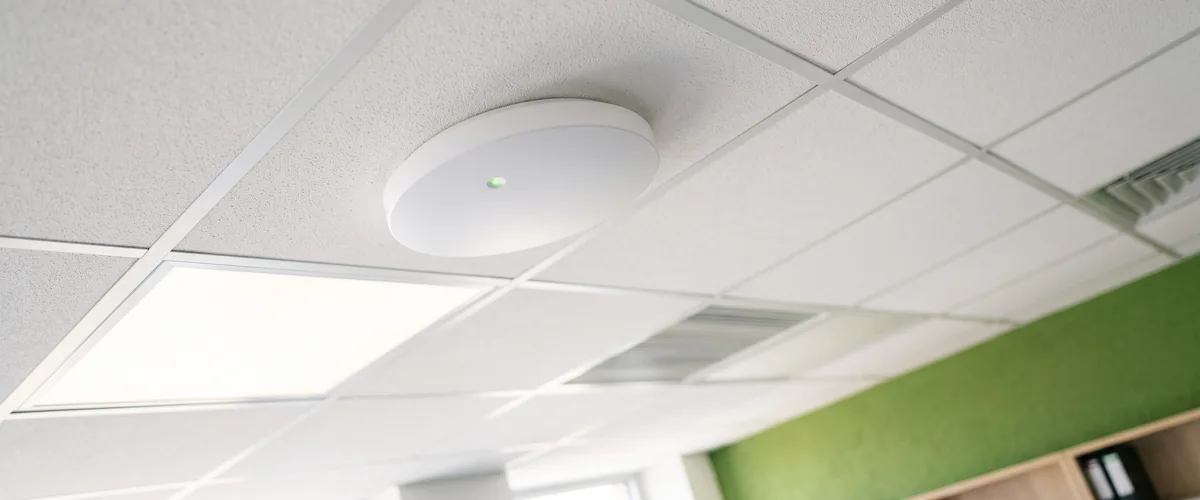
Business WiFi installation cost for a small office comes down to five lines, the site survey, access points at roughly one per 1,200 to 2,000 square feet, cable to each access point, switching and power, and configuration labor.
The hardware is the easy part to price. One current Wi-Fi 7 access point, Ubiquiti’s U7 Pro, lists at $189 on the company’s own store. Two quotes for the same office rarely disagree about that. They disagree about everything around it.
VJNetworks designs, installs, configures, and manages business Wi-Fi for offices across Rockland, Westchester, and Bergen. We do everything except pull the cable. The pull is subcontracted. We bring in a cabling contractor, hand over the drop plan, and hold the schedule, the same split our structured cabling and network installation page walks through. This guide prices each line the way we would scope it, using published list prices and the vendors’ own design guidance, so you can read any Wi-Fi quote, ours or anyone else’s, and see what you are paying for.
Five Lines Hiding in One WiFi Quote
Most Wi-Fi quotes arrive as a single number. That number hides five purchases. Each one is priced differently.
| Line | What it covers | How it is usually priced | What moves the number |
|---|---|---|---|
| Site survey and design | How many access points, where they mount, which channels and power levels they run | One-time, by square footage and floors | Wall materials, floors, ceiling height, how many people gather in one room |
| Access points | The radios on the ceiling | Per unit, plus a yearly license per unit on some platforms | Wi-Fi generation, vendor, licensing model |
| Cable to each access point | One network run per access point, terminated and tested | Per drop, mostly labor | Ceiling type, building age, distance back to the closet |
| Switching and power | The switch ports that power each access point over its cable | Per switch, sized to the power budget | Access point count, plus cameras and other powered devices on the same switch |
| Configuration, mounting, and tuning | Networks, security, guest separation, channel and power tuning, documentation | Labor, one-time | How many networks and sites, and how much of the old setup has to be untangled |
Ongoing management is a sixth line. It is monthly, and it comes at the end.
The Site Survey Belongs on Its Own Line
A Wi-Fi site survey is the design step that decides how many access points a space needs, where each one mounts, and which channels and power levels they run on. A predictive survey is modeled from a floor plan. An on-site survey measures real signal in the actual building.
Both cost something. Both should be itemized. When the survey is folded into the hardware price, you have no way to tell whether anyone did one.
Part of that cost is time. Part is tooling. One common professional survey kit, Ekahau’s AI Pro software, its Sidekick 2 measurement unit, and a year of its Connect subscription, lists at $12,985 as a bundle. Nobody buys that kit to give the results away. Hence the separate line.
Square footage and floor count set the size of the job. The building sets the difficulty. Drywall barely slows a signal. Brick, plaster, concrete, and coated glass absorb a lot of it, and a warehouse adds ceiling height and steel racking to the problem. Then there are the rooms where people gather. Cisco Meraki’s design guidance plans those around capacity rather than coverage, and its training-room example works from 50 users per radio. A conference room that fills with twenty people on Monday mornings needs more than a hallway does.
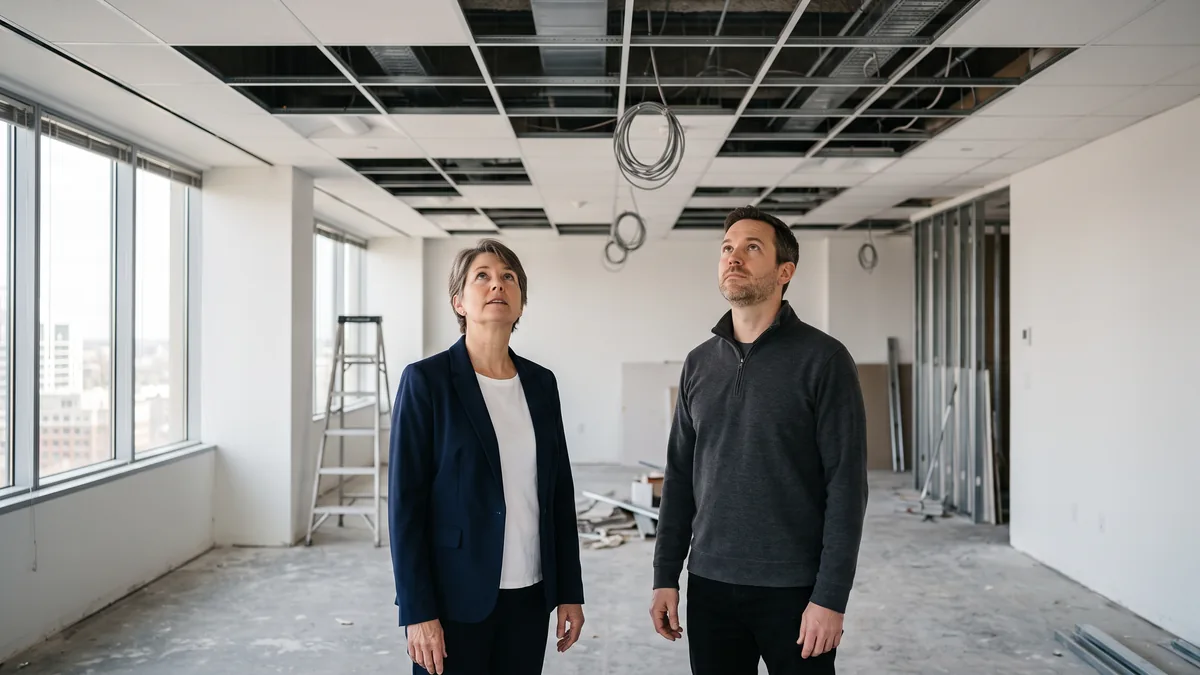
Our network walkthrough is free. It answers the first question, which is whether you need a measured survey at all. A single-floor suite with a drop ceiling and fifteen desks often does not. An older building with plaster walls, a floor with a large training room, or a warehouse full of racking usually does.
Access Points, and the Part That Keeps Costing
Start with square footage. Cisco Meraki’s own RF design guidance recommends one access point per 1,200 to 2,000 square feet for 5 GHz and 6 GHz coverage, and 2,000 square feet per access point where client density is low to moderate. That range is where the estimate begins. It is not the design.
Then the unit price. Ubiquiti lists its ceiling-mount U7 Pro at $189, or $203 with the surcharge its store currently includes. That is a Wi-Fi 7 access point with 6 GHz radios, and it sits at the low end of business-grade pricing. Other vendors charge more per unit. Some charge again every year.
| Office size | Access points at 2,000 sq ft each | Access points at 1,200 sq ft each | Hardware at $189 each |
|---|---|---|---|
| 3,000 sq ft | 2 | 3 | $378 to $567 |
| 6,000 sq ft | 3 | 5 | $567 to $945 |
| 10,000 sq ft | 5 | 9 | $945 to $1,701 |
That is hardware only, at list price before the surcharge. Everything else in this guide is what the table leaves out. Most of the job.
The licensing model matters more over five years than the sticker does. Cisco Meraki access points require a valid license to operate, sold in 1, 3, 5, 7, and 10-year terms, and Meraki’s documentation is plain and specific about what a lapse means. After a 30-day grace period, an organization without valid licensing has all of its Meraki devices shut down until licensing is back in compliance. Not a knock on Meraki. It is a line item, and it belongs in the five-year number next to the hardware.
Other platforms go the opposite way. Ubiquiti sells its UniFi line with no licenses and no subscriptions, and HPE says Instant On networks are managed with no additional licensing or subscription fees. Different trade-offs. Different totals. Whichever platform a quote names, ask for the renewal cost in writing.
Wi-Fi 7 or Wi-Fi 6? The FCC opened the 6 GHz band to unlicensed use in April 2020, and the Wi-Fi Alliance’s Wi-Fi CERTIFIED 7 program, introduced in 2024, adds 320 MHz channels in that band. The catch is simple. The 6 GHz band only helps devices that can use it, and an older laptop or label printer keeps working on 2.4 and 5 GHz the way it always has. For an install you expect to keep five years or more, price both.
The Cable Run Behind Every Access Point
Every access point on a ceiling needs one network cable back to the closet. The same cable carries power. We hand this run to a cabling contractor. It is priced per drop. Mostly labor.
Public numbers for it are thin, and most of them are residential. Angi’s 2026 cost data puts home Ethernet work at $50 to $100 per port plus $60 to $120 an hour in labor. Treat that as the floor. Commercial runs cost more, and you can often see why from the doorway. A hard ceiling instead of drop tiles. Plenum-rated cable where the ceiling carries return air. Fire-stopping wherever a run passes through a rated wall. Certification testing at the end. Work scheduled around your staff.
The cheapest drop is the one already in your ceiling. A suite that still has runs from the last tenant can often reuse them once they are tested and found to be in the right places, and that is worth asking about before anyone quotes new cable. If you are moving, our IT checklist for opening a new location covers when to book the cabling crew so it does not hold up the move.
Switching, and the Power Budget Nobody Mentions
Access points draw their power over the network cable, from a switch that supports Power over Ethernet. Two numbers on that switch decide whether the design works. How many powered ports it has, and how many watts it can deliver in total across all of them.
Ubiquiti lists its Switch Lite 8 PoE at $109, with eight ports and a 52-watt total PoE budget. A Wi-Fi 7 access point is built for PoE+, and Ubiquiti sells a 30-watt PoE+ adapter as the U7 Pro’s matching accessory, so a 52-watt switch gets spoken for quickly. Add a security camera or two, a door reader by the front entrance, and a third access point for the conference room, and a small install turns into a larger switch that nobody priced at the start. Count every powered device before the switch is chosen. Not after.
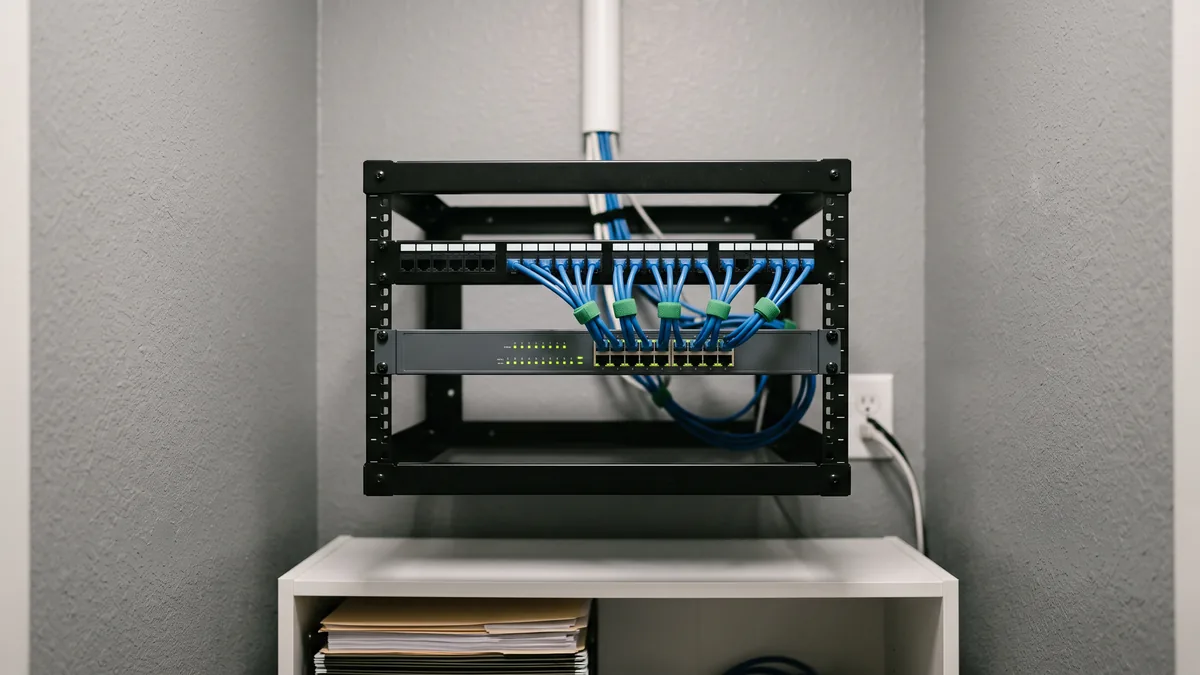
The switch usually sits next to the firewall, and the firewall is the piece that keeps visitors off the business network when you run a guest Wi-Fi. Most offices should. Keeping those rules current is part of our managed firewall and network security work, and it is not something the access points can do on their own.
Mounting, Configuration, and Tuning
This line is the work my team does, and it is where two quotes for the same office tend to differ the most.
Mounting is the quick part. The real hours go elsewhere. Deciding how many networks you need, and what each one is allowed to reach. Setting security to WPA3 wherever every device supports it, with WPA2 alongside it for anything older. Guests on their own segment. Then tuning. Once the access points are on the ceiling, channel and power get adjusted so neighboring units stop talking over each other. After that comes a walk through the space to confirm the signal holds up where people actually sit, and written documentation of every access point, every network, and where the admin credentials live.
We price this line after the walkthrough, because it depends on what is already there. A clean suite with new everything is one number. A floor where consumer routers were added one at a time over the years is a different one.

What Keeps Costing After Installation
Installation is a one-time cost. Three things recur. Licensing, if the platform charges for it. The internet circuit, which is its own bill from the carrier. And management, meaning firmware updates, security patches, and someone who looks into it when the Wi-Fi misbehaves.
If we run your IT, the wireless is managed together with the rest of the network under managed IT plans that start at $995 a month, and someone from my team responds within 15 minutes during business hours. VJNetworks has served the Tri-State area for over 20 years with a 97% client retention rate. Only want the installation? That works too. Everything gets documented and handed over clean, including to whoever supports you afterward.
Reading a WiFi Quote Before You Sign
Seven things to check. Some quotes skip a few.
- A site survey on its own line, marked predictive or on-site.
- The access point model, by name. Not “enterprise access point,” but a model number you can look up yourself.
- For any platform that charges licensing, the term and the renewal price in writing, compared over five years.
- Who pulls the cable, how many drops are included, and whether existing drops get tested first.
- The switch’s total power budget against everything that will draw from it.
- Guest separation. If it is not written into the scope, it is not in the price.
- Documentation at handover, covering every access point, every network, and where the admin credentials are kept.
Things People Ask About WiFi Pricing
How many access points does a 5,000-square-foot office need?
Can we just buy a mesh kit from a big-box store instead?
Is the site survey really necessary for a small office?
Do cloud-managed access points cost money every year?
Is Wi-Fi 7 worth paying for yet?
Our suite already has network drops in the ceiling. Does that lower the price?
Who manages the Wi-Fi once it is installed?
We will walk the space, look at the ceilings and the closet, tell you whether a measured survey is worth it, and put every line of the install on paper before you commit to anything. No obligation either way.