
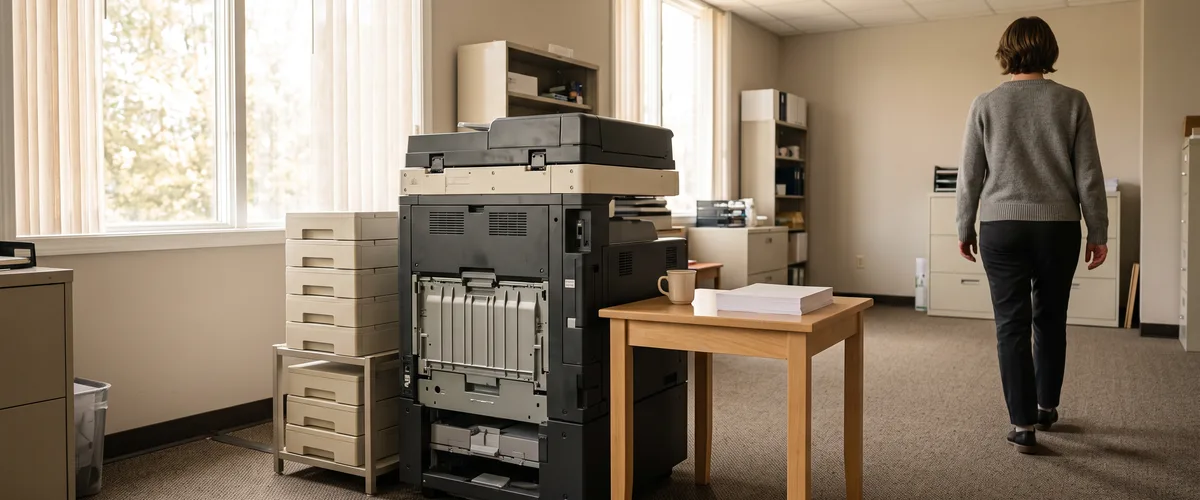
Scan to email Office 365 setups that sign in with a mailbox password lose Basic Authentication by default at the end of December 2026. Copiers that can’t use OAuth will eventually need another route.
Microsoft is changing how devices may send mail through Exchange Online, the email service inside the Microsoft 365 work we do for small businesses across Rockland, Westchester and Bergen counties since 2004. The change is aimed at one setting. If your copier logs in with a mailbox username and password to send scans, that setting is yours. Check it.
Nothing changes today. The default changes for existing tenants at the end of December, and a copier that scans to email is one of the devices it reaches.
Scan to Email Office 365 After the December 2026 Change
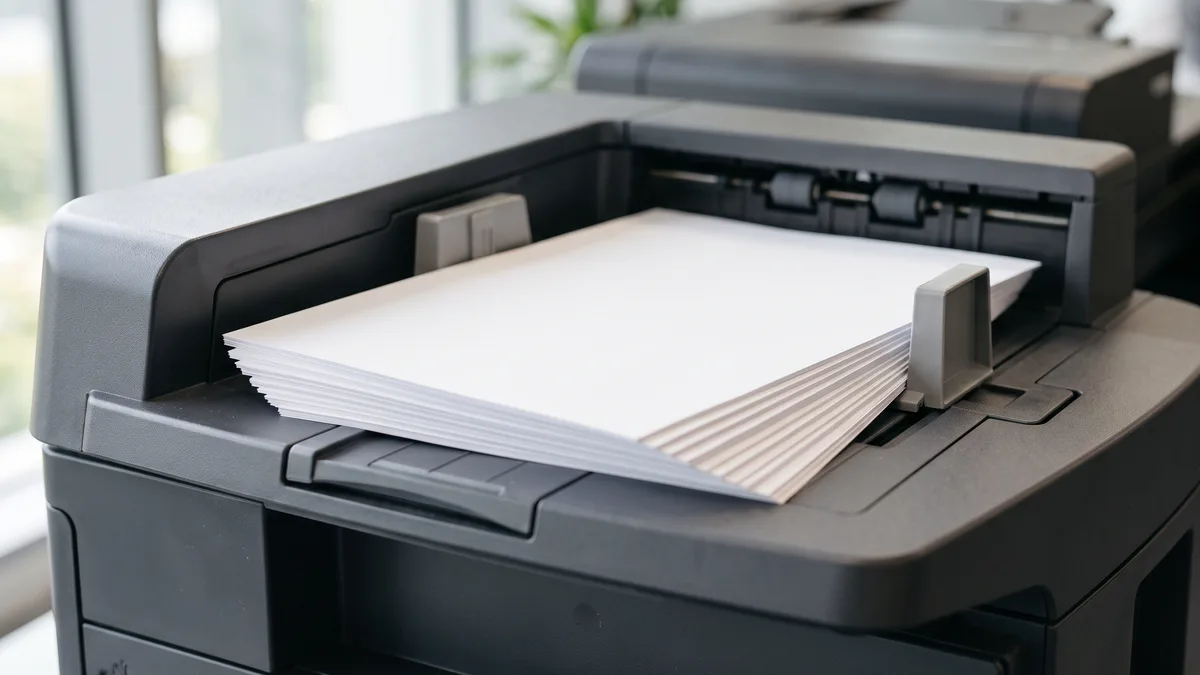
Scan to email means the copier builds an email with your scan attached and has to hand it to a mail server, because the copier isn’t one. Microsoft says as much. Devices like these “create email messages, but are incapable of sending those messages without help, because they aren’t email servers.” With Microsoft 365, one way to do that is for the copier to sign in at smtp.office365.com on port 587 with a mailbox username and password. Microsoft calls that client SMTP submission, or SMTP AUTH. The password part is Basic Authentication. That’s the part changing.
The Exchange team revised the schedule on January 27, 2026. Its earlier plan, which ran from March 1 to April 30, 2026, was put on hold. Here is the current timeline from the Exchange team’s updated timeline, which matches Message Center post MC786329.
| When | What happens to Basic Authentication for SMTP AUTH | Who it covers |
|---|---|---|
| Now through December 2026 | Behavior stays as it is | Every tenant |
| End of December 2026 | Disabled by default; admins can still enable it | Existing tenants |
| After December 2026 | Unavailable by default; OAuth is the supported method | New tenants |
| Second half of 2027 | Microsoft says it will announce the final removal date | Every tenant |
Disabled by default. Not deleted, not gone. An admin can turn it back on, and for now that is a real option, though it is also a stopgap, because Microsoft has said that once Basic Authentication is removed, applications and devices “must use OAuth when using SMTP AUTH to send email.”
One more wrinkle, from Microsoft’s page on enabling or disabling SMTP AUTH. If security defaults are switched on in your tenant, SMTP AUTH is already off in Exchange Online. A copier that still scans fine in such an office is probably not using this method at all. That’s a clue.
How to Tell Whether Your Copier Is Affected
Start with the machine. Open the copier’s email or SMTP settings; the maker’s manual shows where they are. If the server is smtp.office365.com on port 587 with a stored username and password, the copier is using client submission with Basic Authentication. If the server is an address ending in mail.protection.outlook.com on port 25, Microsoft’s setup guide describes that as a relay or Direct Send, and this notice is not about either one.
Then check Microsoft’s side. In the new Exchange admin center, Reports then Mail Flow holds the SMTP AUTH Clients report. It lists each sender address, the share of its mail sent over each TLS version, and an Authentication Protocol column that reads Basic Auth or Modern Auth, and it shows seven days by default, though you can stretch the range to 90 days. Any copier mailbox marked Basic Auth is on the list. Write each one down.
Printers come second only to passwords on my list of the things businesses call about first. “If you ask any IT person what the number one most annoying thing to troubleshoot is, they’re going to say printers 100%.” Scan to email adds its own moving parts. The copier’s settings, the mailbox, the network port, which Microsoft says must be unblocked, and the Microsoft 365 tenant all have to line up.
Scan to Email Office 365 Options Compared
Microsoft’s article on setting up a multifunction device to send email lists four methods. The table keeps to what Microsoft says about each. Nothing more.
| Method | Sends outside your company | What it needs | The catch |
|---|---|---|---|
| Client submission with OAuth | Yes | A licensed mailbox, TLS 1.2 or later, and a device that can sign in with OAuth | Works only if the device supports OAuth |
| SMTP relay | Yes | An inbound connector, port 25, and a certificate or a static public IP address | A blocklisted IP address can disrupt mail |
| Direct Send | No | Port 25, plus SPF, DKIM and DMARC set up correctly | Treated like anonymous mail from the internet |
| High Volume Email | No | An HVE account on port 587 with TLS | Internal recipients only, billed pay as you go |
The second column decides most offices. Who do you scan to? If every scan goes to a coworker in your own Microsoft 365 tenant, Direct Send or High Volume Email can cover it, but if staff scan to clients, vendors or a Gmail address, those two are out, and the options Microsoft lists are client submission with OAuth, a relay, or Azure Communication Services Email. Microsoft’s page says Direct Send rejects mail to recipients outside your cloud organization, that Microsoft is working on an option to disable it by default, and that most customers don’t need it.
Microsoft lists a relay for the cases where client submission with OAuth, High Volume Email, Azure Communication Services Email and an on-premises mail server don’t work for you. A copier that can’t do OAuth, scans to outside addresses, and sits in an office with no mail server of its own fits that description. For a relay, Microsoft wants either a certificate or a static public IP address that isn’t shared with another organization. Dynamic IP addresses aren’t supported.
The other two routes come with their own terms. Microsoft’s High Volume Email page says it reaches internal recipients within the tenant only, accepts HVE account credentials or an OAuth token, and doesn’t need a Microsoft 365 license for the HVE account itself. It is billed pay as you go through an Azure subscription, at $0.000042 per delivered recipient, which Microsoft equates to $42 per million. For mail to outside addresses, Microsoft points to Azure Communication Services Email, which runs from its own Azure resource and has its own setup.
Why Your SPF, DKIM and DMARC Records Matter Here
Relay and Direct Send are different from a mailbox login. The mail claims to come from your domain, but no mailbox signs in to send it, so Microsoft tells you to add the copier’s public IP address to your SPF record to keep those messages out of Junk folders. For Direct Send it adds DKIM and DMARC to the list. It’s a DNS change.
Skip it and the scan can be filtered as spam. Two of our other posts cover those records in plain language, the three records that stop spoofing and why invoices land in spam.
A Plan for Scan to Email Office 365 Before December 31
Order beats speed here. What follows suits an office with one copier and a handful of other devices that send mail.
- List everything that sends mail on its own. Copiers, standalone scanners, and any line-of-business application. Microsoft’s page treats them the same way.
- Run the SMTP AUTH Clients report and match each Basic Auth sender to a device.
- Ask the copier’s maker two questions. Does this model’s firmware support OAuth for SMTP? Does it support TLS 1.2 or later? If its default port is 465, Microsoft says it doesn’t support the TLS versions client submission requires.
- Pick one method per device using the table above.
- Test a scan to an address inside the company and to one outside it.

Who owns what? If an outside company services your copier, it and whoever manages your Microsoft 365 tenant need to settle on a single method. Then write down which mailbox, HVE account or IP address the copier now uses. If the answer turns out to be a new copier, that is a hardware purchase, and hardware isn’t included in a VJNetworks managed IT agreement.
Don’t build the plan on the admin switch. Turning Basic Authentication back on buys time, nothing more, and Microsoft has moved these dates before. Plan for the December default. If it slips again, you will simply have finished early.
Before You Call Your Copier’s Maker
Will scanning stop on January 1?
Is Direct Send affected by this change?
Can we just switch Basic Authentication back on?
Does our copier support OAuth?
Do we need a licensed mailbox for the copier?
What about the accounting software that emails invoices?
Next Steps
Talk with our team about your copier’s scan-to-email setup before the December change. No cost, no obligation.