
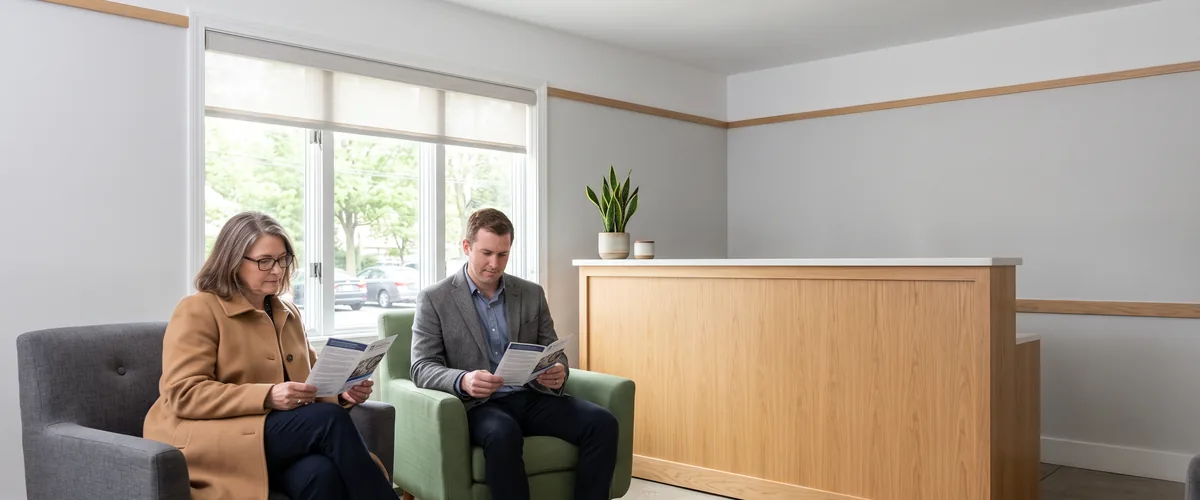
Guest WiFi network separation gives visitors the internet and nothing else, by putting them on their own network segment, blocking every route from that segment into your business systems at the firewall, and isolating guest devices from one another. A second network name on the same equipment does none of that by itself.
Plenty of offices in Rockland, Westchester, and Bergen have a guest network. Whether it’s separated is another question, and you can’t tell from the lobby. The two versions look identical from a visitor’s chair. Same kind of name. Same password card on the counter. The difference only shows when someone checks what else a visitor’s phone can reach.
Separation is mostly firewall and switch work, which is why it lives inside our managed firewall and network security service rather than in the WiFi settings alone. VJNetworks designs, installs, and manages business WiFi across the Tri-State area. This guide is for the owner or office manager who has never needed to know what a VLAN is. No reason you should. I’ll use each technical term once, say what it means, and after that talk about what it does.
What Separation Actually Means
Guest WiFi network separation is the practice of carrying visitor traffic on its own logical network and enforcing rules, usually at the firewall, that let that traffic reach the internet but never the computers, servers, printers, cameras, or management pages on your business network. The rules do the separating. The network name doesn’t.
The Federal Trade Commission’s cybersecurity guidance for small businesses puts the goal in one sentence. “If you offer Wi-Fi on your business premises for guests and customers, make sure it’s separate from and not connected to your business network.” Easy to agree with. Harder to verify.
A building is the easiest way to picture it. The network name is the sign on a door. The separate network is a second hallway, so visitors walk a different route from your staff. The firewall rules are the locked doors between the hallways. Client isolation, which I’ll come back to, keeps the people in the lobby from wandering into each other’s conversations. Take away everything but the sign and nobody is kept anywhere.
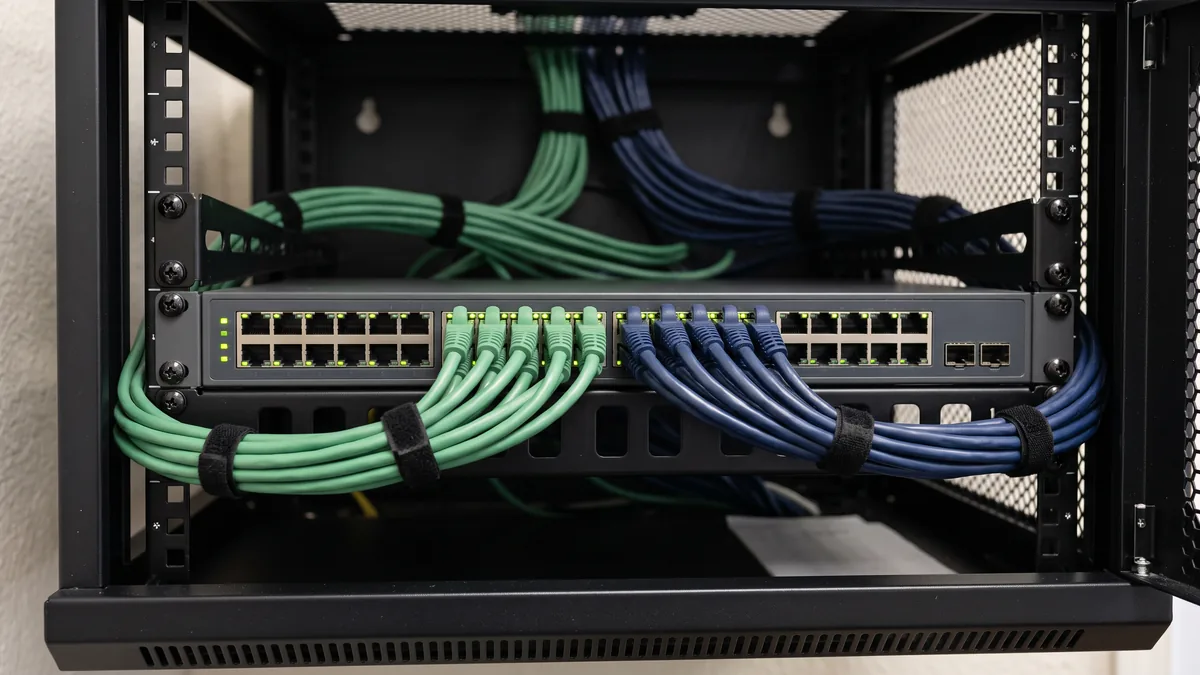
The technical name for that second hallway is a VLAN, a virtual local area network. It comes from an IEEE standard, IEEE 802.1Q, and it lets one set of switches and access points carry several separate networks at once, kept apart by a tag on the traffic. Your access points put guest traffic on the guest VLAN. The switches carry it without mixing it into staff traffic. Then it reaches the firewall.
That last step is where people get surprised. A VLAN keeps traffic apart on the way in, but whether traffic may cross from one VLAN to another is decided wherever the networks are routed, which in a small office is usually the firewall. The rule that says guests go to the internet and nowhere else has to be written. Then tested. Then kept that way.
| Piece | What it does | What it doesn’t do |
|---|---|---|
| A separate network name (SSID) | Gives guests their own name and password to join | Separate anything on its own. It can drop guests onto the same network as your staff |
| A guest VLAN | Carries visitor traffic on its own logical network through the access points and switches | Stop that traffic from being routed into your business network at the firewall |
| Firewall rules | Let guest traffic out to the internet and block it from your private address ranges and admin pages | Stay correct after someone edits them in a hurry |
| Client isolation | Stops guest devices from reaching each other on the same WiFi | Protect your business network. That’s still the firewall’s job |
| A per-device speed limit | Keeps one visitor from using the whole internet connection | Anything for security |
| Encryption (WPA2, WPA3, Enhanced Open) | Protects each guest’s traffic from being read over the air | Decide what guests can reach |
| A password, daily code, or sign-in page | Controls who gets on, and can record that visitors accepted your terms | Keep anyone who does get on away from your systems |
Only two of those rows keep visitors out of your business systems, the guest VLAN and the firewall rules. They work as a pair. The rest make the guest network fair, private, and pleasant for the guests themselves.
A Second Network Name Is Not a Second Network
A guest network that is only a name happens more easily than you’d think. Add a network name to a business access point without tying it to its own VLAN or a guest mode, and whoever joins it can land on the same network the access point itself sits on, which in a small office is usually the staff network. Even the guest modes built into cloud-managed access points depend on the rule behind them. Cisco Meraki’s documentation says devices in its guest addressing mode “will be able to access external and internal resources, such as the Internet and LAN (if firewall rules permit).” That parenthesis is the job.
The rule itself isn’t exotic. It blocks guests from the private address ranges set aside in RFC 1918, the 10.x, 172.16.x through 172.31.x, and 192.168.x blocks that nearly every office network is numbered from, plus the management pages of the firewall and access points. Guests still get what they need to connect, an address and name lookups, and then the internet. Nothing local.
Consumer routers and the boxes internet providers install are a different case, because the guest wall lives in the router’s own software. Researchers at Ben-Gurion University tested that wall on seven consumer routers from TP-Link, D-Link, Edimax, and Linksys for a 2019 USENIX paper. The basic separation held. Good news, mostly. A computer on the guest side couldn’t simply connect to one on the main side. But every router leaked in subtler ways, through covert channels that let malicious software already running on both sides pass data across, and the authors concluded that a hardware-based solution “seems to be the only way” to keep secure and non-secure devices truly apart. That’s a narrow attack. Not an everyday one. It’s still a fair reminder that a checkbox is only as good as the firmware behind it.
Then there’s the office that set it up properly years ago and has changed a few things since. A new printer. A display in the conference room. A vendor who needed temporary access that never got removed. Firewall rules drift. Nobody writes down why a rule was added, and nobody wants to be the one who deletes it.
Who Belongs on the Guest Network
Visitors, obviously. The list is longer than that, and the least obvious entry matters most. The FTC’s guidance draws the line by ownership. Keep the business network to “business-owned, operated, or managed devices,” it says, and give “guests, employee personal devices, or the public” a separate network.
- Clients and patients in the waiting room. The easy case.
- Vendors, contractors, and auditors, who can spend a full day in the building with a laptop open, and whose laptops are managed by somebody else’s IT department, or by nobody’s.
- Job candidates. Also new hires in the first days, before their accounts and company devices exist.
- Your own staff’s personal phones. These surprise owners. A personal phone is an unmanaged device carrying whatever its owner installed, and it has no business on the network that holds your file shares. Nothing on it requires that access. Email, Teams, and the rest of Microsoft 365 work from the guest network the same way they work from home.
- What about the thermostat? Thermostats, door controllers, and security cameras don’t belong on the staff network either, but they need to be managed, so they’re better on a third segment of their own than on the guest side.

Company laptops stay on the staff network. The dividing line is who owns and manages the device, not who happens to be holding it.
The Printer Is Where Separation Comes Apart
Ask anyone in IT which problem they least enjoy troubleshooting and the answer is printers, a hundred percent. I’d say it too. Printers are also a classic way for a well-built guest network to get quietly undone.
A visitor needs to print a signed form. A vendor wants to put a presentation on the conference room display. Somebody helpful moves them onto the staff network for the afternoon, or opens the firewall between the two networks so the printer shows up, and the separation is gone for good, because nobody remembers to put it back.
There’s a technical reason the printer vanishes in the first place. Phones and laptops find printers and displays through small local announcements, the system Apple calls Bonjour, and those announcements stay inside one network. Apple’s deployment guide says that “multicast traffic is usually not routed across subnets,” which is why it expects AirPrint printers and Apple TVs to sit on the same subnet as the devices using them. Put visitors on their own VLAN and the printer drops off their list. Merge the networks and it comes back. So does everything else.
Better fixes are narrow. A single firewall rule can let the guest network reach one printer, on the ports printing uses, and nothing else on your network. Many business firewalls and access points can also pass those announcements between VLANs on purpose, a feature Apple calls a Bonjour gateway and Meraki calls Bonjour forwarding, so a chosen printer shows up on the guest side while the firewall still decides what can actually reach it. And a conference room display that holds nothing sensitive can simply live on the guest side. Each of those keeps the opening the size of the request.
When Separation Becomes a Compliance Question
The engineering advice is old and settled. NIST’s guidelines for securing wireless networks, SP 800-153, said it in 2012. An organization “should have logically separated WLANs for external use (such as guests) and internal use,” and “devices on one WLAN should not be able to connect to devices on a logically separated WLAN.” Whether a rule makes it mandatory for you depends on what you handle.
Cards first. If your front desk takes payments on a terminal that connects through your network, the Payment Card Industry Data Security Standard has something to say about your WiFi. The line to read is requirement 1.3.3 of PCI DSS v4.0.1, the current version, available from the PCI Security Standards Council’s document library. It calls for network security controls “between all wireless networks and the CDE,” which is the cardholder data environment. That applies “regardless of whether the wireless network is a CDE,” and wireless traffic into it is “denied by default.” A guest network is a wireless network. It’s covered. The standard is candid about the rest. Separating the card systems from everything else “is not a PCI DSS requirement,” it says, but it’s “strongly recommended” because it shrinks the scope and cost of compliance, and “without adequate segmentation (sometimes called a ‘flat network’), the entire network is in scope.” Requirement 11.2.1 separately calls for testing for unauthorized wireless access points at least once every three months.
Healthcare is a proposal, for now. The HIPAA Security Rule in force today doesn’t name network segmentation. The update HHS proposed in January 2025 would, requiring technical controls so that a practice’s systems “are segmented in a reasonable and appropriate manner.” HHS’s own preamble notes that “small entities may not have been aware of the importance of segmenting networks.” The rule isn’t final. HHS’s current regulatory agenda lists final action for July 2027, a planning date rather than a deadline. We already deploy network segmentation for the practices we support through our healthcare IT services, proposal or not, because a waiting room full of patients’ phones has no reason to share a network with the practice-management system.
Then New York. The SHIELD Act, General Business Law section 899-bb, applies to any business that owns or licenses computerized private information about a New York resident, wherever the business sits, which can include offices in Bergen. It requires “reasonable safeguards,” and the first technical safeguard on its list is a business that “assesses risks in network and software design.” It never mentions guest WiFi. No surprise there. Small businesses, which the law defines as those with fewer than fifty employees, under three million dollars in annual revenue, or under five million in year-end assets, get safeguards scaled to their “size and complexity.” A lighter standard. Not an exemption.
Passwords, Sign-In Pages, and Speed Limits
Once the separation is right, the rest is about running the guest network well.
How guests get on is a choice. Two common options. A shared password is simple and works fine if it changes on a schedule someone actually keeps, and always when an employee or a long-term contractor leaves. A sign-in page, the kind hotels use, can hand out daily codes or ask visitors to accept your terms before they browse. Neither one separates anything. They decide who’s on, not where they can go.
Encryption is for the guests’ sake, so that the person two chairs over can’t read their traffic out of the air. WPA2 and the newer WPA3 cover networks with a password. A lobby network with no password traditionally encrypted nothing, which is the gap the Wi-Fi Alliance’s Enhanced Open certification was built to close. It “provides protections against passive eavesdropping without requiring a password or extra steps to join the network,” in the Alliance’s words, by giving every device its own encryption. In the 6 GHz band that newer access points use, the Alliance’s WPA3 and Enhanced Open deployment guide doesn’t permit WPA2-Personal at all, and a network without a password runs Enhanced Open. If your access points support it, it’s the better way to run a password-free guest network.
Then speed. A guest network with no per-device limit lets one visitor’s video stream or phone backup take as much of your internet connection as it can get, including the upload your staff need for video calls and file sync. A modest cap per device solves it. Most business access points and firewalls have a setting for exactly that.
Check Yours in Ten Minutes With a Phone
You don’t need to log into anything to find out whether your guest network is separated. You need a phone and one address.
- Get the network address of your office printer. It’s usually printed on the printer’s network configuration page, or your IT provider can read it to you. It will look something like 192.168.1.25.
- Join the guest network on your phone and turn off cellular data, so every test goes over the WiFi.
- Type that address into the phone’s web browser. If the printer’s page loads, your guest network can reach your business network.
- Try the address of your firewall or router the same way, if you have it. A login page loading from the guest side is the same problem, only worse.
- Run a speed test. If it shows the full speed of your internet plan, there’s no per-device limit.
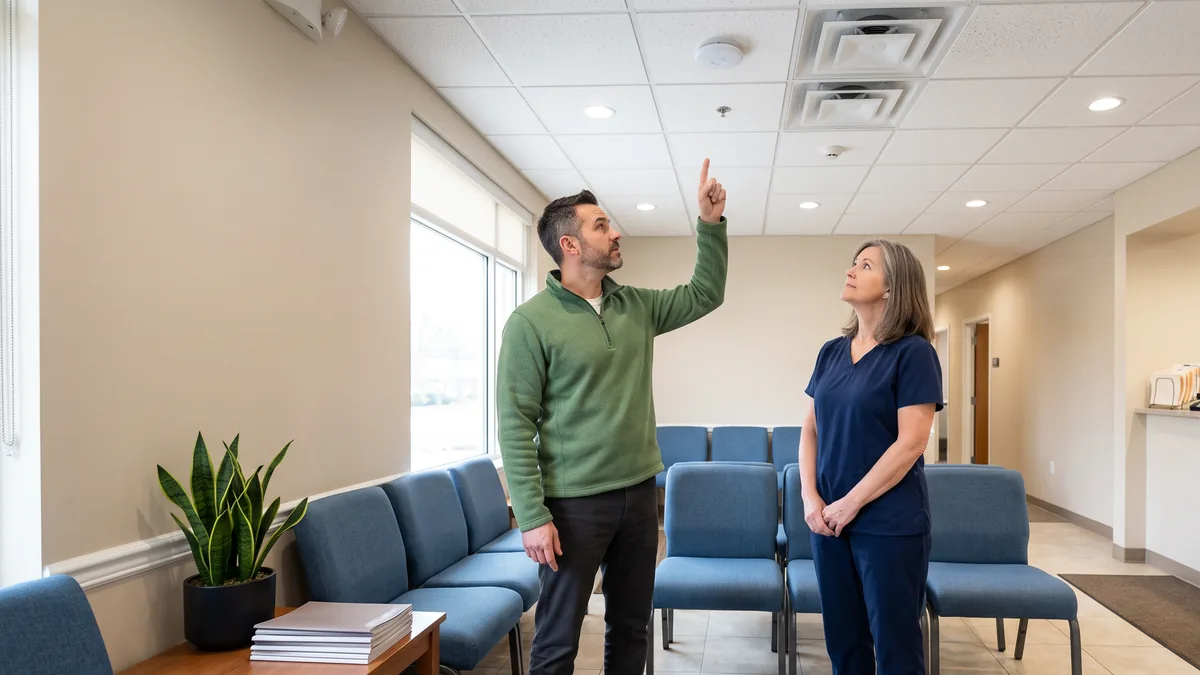
A page that won’t load is what you want. Blank is good here. It doesn’t prove the network is secure. It proves the obvious doors are shut.
The same check is on our IT checklist for opening a new business location, because a new office is the cheapest moment to build separation in. For more than a phone test, our security risk and vulnerability assessment is the next step.
How We Build It
VJNetworks has built and looked after office networks across the Tri-State area for over 20 years. When we design one, guest WiFi, staff devices, printers, and sensitive systems go on separate segments, the same segmentation and addressing work described on our structured cabling and network installation page. Manufacturers have a sharper version of the same problem with shop-floor equipment, which our piece on IT and OT network segmentation covers. And when something on the guest side stops working, someone from my team responds within 15 minutes during business hours.
Questions Owners Ask About Guest WiFi
Is the guest network on our internet provider’s router good enough?
Is a guest network the same thing as a VLAN?
Twelve people in one office. Is this overkill for us?
How can a visitor print without getting onto our network?
Should employees put their personal phones on the guest WiFi?
A guest network with no password sounds risky. Is it?
We take cards at the front desk. Does PCI care about our guest WiFi?
Ask for a free IT assessment and we will include your guest WiFi, checking what a visitor’s device can reach, how the firewall rules behind it are written, and what should change. No obligation either way.