

A new business location needs four waves of IT work in order, what the lease locks in, what gets ordered first, what gets built on site, and what you test before anyone tries to work there.
Most owners call me after the lease is signed. That is the wrong week. Not fatally wrong, but the space you just committed to has already decided several things about your network, and you paid for those decisions without being told they were on the table.
I have watched second and third locations come together for over 20 years. The pattern almost never changes. Furniture arrives on schedule. The internet does not. Everything on the IT side that runs on somebody else’s calendar, a carrier, a cabling crew, a hardware distributor, is the thing that slips, and it slips at the exact moment you have people scheduled to sit down and work. So this is the list in the order I actually work it, starting well before opening day. If you are opening site number two or number five, the same list applies, only the standardization matters more each time, which is the whole argument behind a real multi-location IT approach.

Wave One. What the Lease Decides for You
A commercial lease is an IT document. Nobody presents it that way. Read it that way anyway. Walk the space with these five questions before you sign, because after signing they stop being negotiable and start being change orders.
Where does the telecom room go, and how far is the far corner from it? This is the one people find surprising. Structured cabling has a hard distance ceiling. The University of California San Diego’s telecommunications design guidelines put the working rule plainly, requiring rooms designed so they sit within 295 cable feet (90 meters) of every telecommunications outlet on that floor, and that 295 feet counts the actual route through walls, conduit, and cable tray, not the straight line you measure on the floor plan. Measure the route, not the room. A long narrow suite with the closet at one end will fail that. Two rooms, or a different closet. You find out now or you find out during the pull.
Is the building already served, or does the carrier have to build? Never accept “the building has fiber” as an answer. Ask harder. Ask which carriers physically terminate in the building today, on what floor, and whether your suite can be reached from that point without new construction. If the answer is that a carrier needs to bring service in, the timeline stops being a provisioning question and becomes a permitting and right-of-way question, and nobody can promise you a date on that. That single distinction moves the install more than anything else you control.
Does the closet have power and air? A dedicated circuit, and a room that does not cook in August. I have seen network gear put in a converted coat closet with no return air. It ran. Until July.
Whose cable is already in the ceiling? A previous tenant’s cabling is usually still up there, usually unlabeled, frequently cut at one end, and not automatically yours to use under the lease. Assume nothing. Get the right to use it in writing, or budget as though it is not there.
Can you get a second path in later? You may not want a backup circuit on day one. You will want the conduit and the riser access to add one without a landlord negotiation eighteen months from now. Ask for it now.
Wave Two. The Orders That Gate Everything Else
Take this part literally. Order the long-lead items in the week the lease is signed, not the week the paint dries. I am deliberately not putting week counts in the table below, because anybody who quotes you a universal lead time for a circuit or a switch is quoting an average that has nothing to do with your building. What I can tell you is what actually controls each clock, which is the thing to ask about.
| What to order | What actually controls the clock | The question to ask the vendor |
|---|---|---|
| Primary internet circuit | Whether the building is already served, whether construction and permits are needed, and how far the suite is from the entrance point | “Is this an on-net order or a build, and what is the survey date?” |
| Firewall, switches, wireless access points | Distributor stock on the exact model and the license term attached to it, not the manufacturer’s catalog | “Is this model in stock today, and is the subscription bundled or separate?” |
| Workstations and docks | Configuration. A stock configuration ships. A build to order sits in a queue | “What is the nearest stock config to what we spec’d?” |
| Low-voltage cabling crew | Their calendar, and whether the general contractor will give them ceiling access before the grid closes | “What date do you need the ceiling open, and for how long?” |
| Phone numbers and phone service | Whether the port is classified simple or non-simple, and whether the losing carrier’s account details match exactly | “Is this a simple port, and what does the account record need to say?” |
| Licenses and identity | Almost nothing. This is the one wave that moves at your speed | “Which security features are gated behind a higher license tier?” |
One more thing about hardware. Do not solve the new site by shipping the old site’s retired machines to it. Please. Windows 10 reached end of support on October 14, 2025, per Microsoft’s own lifecycle page, so anything you were about to redeploy needs checking against that date and against whether the hardware will even take Windows 11. A new location full of hand-me-downs is a support contract you are writing for yourself.
Wave Three. Identity and Access, Before the Furniture Shows Up
This wave costs nothing to start, and it is the one that gets skipped. Identity is not the new site’s problem. It is the company’s problem, and a second location is where the sloppiness starts to show.
One tenant. Not a second Microsoft 365 tenant “just for the new office,” which somebody always proposes because it feels tidy and is the single most expensive shortcut on this page to reverse later. One directory, one set of groups, and permissions assigned to roles rather than to named people, so that a hire at the new site inherits access by joining a group instead of by somebody remembering what the last person had.
Multi-factor authentication turned on before the first login, not after. CISA is blunt about which kinds count, and its phishing-resistant MFA fact sheet puts FIDO and PKI-based authentication at the top and treats push notification as the fallback you improve on. A new site is the cheapest possible place to set that standard, because nobody there has a habit to unlearn yet. Set it before day one.
The rest of this wave is unglamorous and quick. Devices enrolled and named to a convention that tells you the site at a glance. Standard users, not local administrators. BitWarden is our recommended system for shared credentials, and the new site’s shared logins go in it on day one instead of on a whiteboard in the break room. File structure decided centrally, in SharePoint rather than scattered across individual OneDrive accounts, which is the difference between a company file store and thirty personal ones. And write the offboarding steps before you write the onboarding steps. You will use them sooner than you think.
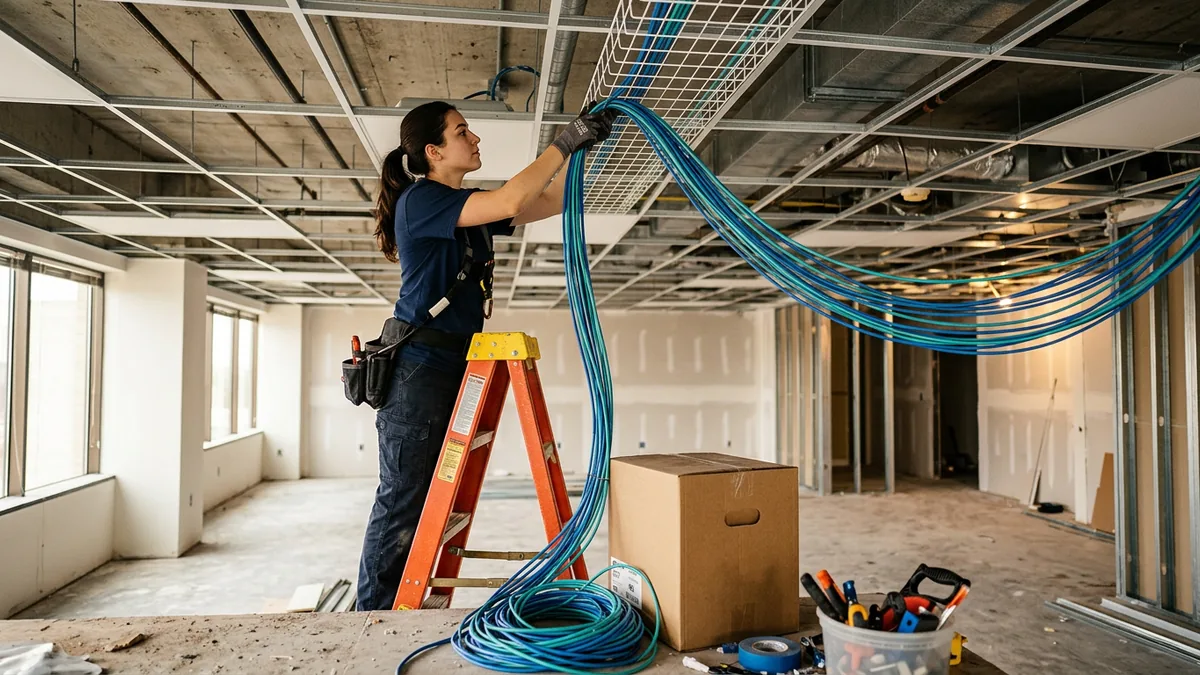
Wave Four. Cabling and Network, On Site
Count the drops before the crew quotes. Two per desk is the usual starting point. Then add the ceiling access points, the printer, the door access panel, any cameras, the conference room, and the reception position. Then add spares. A drop costs a fraction during the pull and a fortune afterward.
Ask for three things at handover from whoever does the structured cabling and network installation. Both ends labeled with matching identifiers. A test result per run, not a verbal “they all passed.” And a photograph of the closet with the panel populated, which sounds fussy until the day somebody troubleshoots that room over the phone from another site.
Build the network from the same template as your other locations. Same firewall vendor, same rule structure, same wireless naming, same guest network that is genuinely separated from the network your staff work on, same address scheme picked so no two sites ever collide when you eventually connect them. That last one gets ignored constantly. It is trivial to get right in advance. Two sites both numbered 192.168.1.x cannot talk to each other without renumbering one of them, and renumbering a live office is a bad Saturday.
The strategic case for doing all of this identically at every site, rather than letting each location grow its own habits, is the whole subject of a separate piece on why multiple locations need a different IT strategy. Worth reading before you open, not after.
Phones, and the 911 Rules Nobody Reads Until an Inspector Asks
Phone systems are where new locations quietly pick up a compliance problem. Federal rules apply to multi-line telephone systems, the kind almost every office runs. They are specific.
Under 47 CFR 9.16, a multi-line system has to let a user reach 911 by dialing 911, “without dialing any additional digit, code, prefix, or post-fix, including any trunk-access code such as the digit 9.” So the old habit of dialing 9 first cannot be a requirement. The same rule requires the system to send a notification to a place where somebody is likely to see or hear it when a 911 call is made, and it requires dispatchable location information to reach the answering point, with fixed on-premises phones covered as of January 6, 2021 and non-fixed and off-premises devices as of January 6, 2022. Ask your phone vendor to demonstrate all three. Not describe them. Demonstrate.
Then there is porting, which owners underestimate every single time. The FCC’s rules at 47 CFR 52.35 require carriers to complete a simple wireline or intermodal port within one business day, and a non-simple port within four business days. Read that carefully. The interval only starts once the request is accepted, and a request gets rejected for a mismatched suite number or an account name that does not match the losing carrier’s record exactly. The paperwork is the risk. The interval is not. Never schedule a port for moving day.
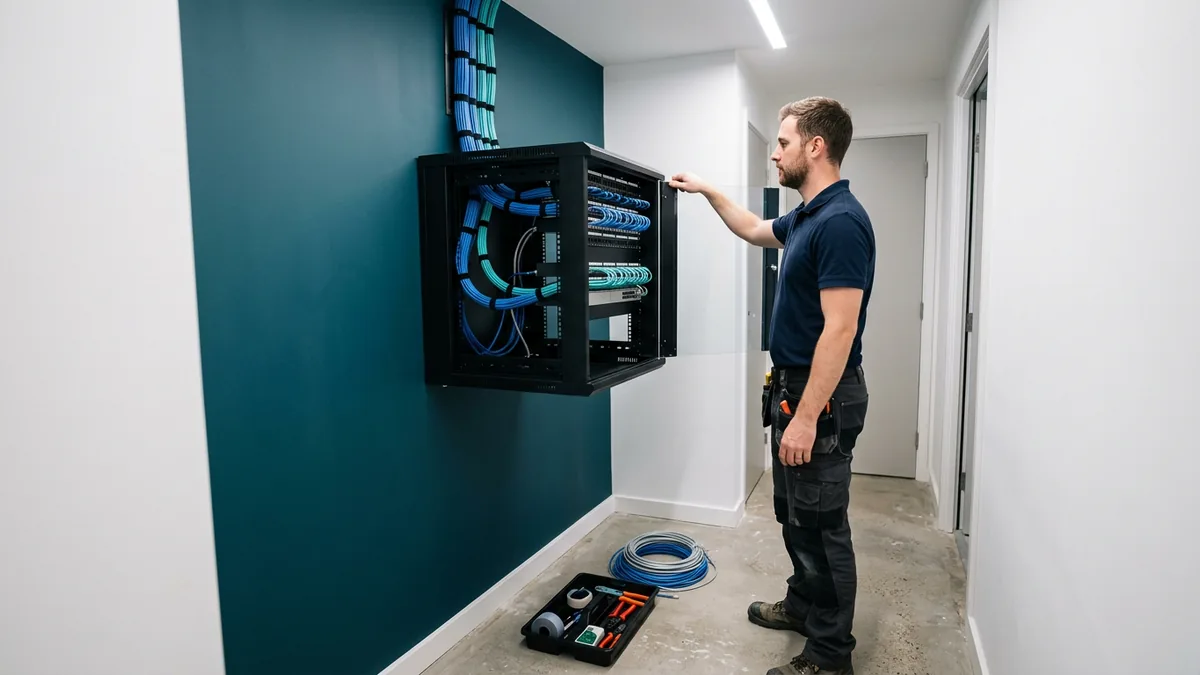
Security and Backup Before the Site Fills Up
A new location is a new set of doors, and one of them is physical. Decide who holds a key to the telecom closet, and keep that list shorter than you think it needs to be.
On the data side, the question to settle before opening is simple. What at this site is not stored somewhere that gets backed up? If the answer is “nothing,” good, and prove it by naming where the site’s files, its line-of-business data, and its mailboxes actually live. If the answer involves a machine under a desk, that machine belongs in your backup and disaster recovery scope on day one rather than the first time somebody asks about it. Endpoint security agents get installed as part of imaging, not as a follow-up ticket, and the same goes for patching. A site that gets added to monitoring three months late spent three months invisible. Do it at imaging time.
The Day One Test List
Run this the day before people arrive, with the space empty and the pressure off. Nothing here is theoretical. Every item is a thing I have watched fail on an opening morning.
- Plug into every single wall port. Every one. Not a sample.
- Walk the whole floor on wireless while on a call, including the corners and the stairwell landing, and watch for the spot where it drops.
- Test the 911 path the way your local answering point wants it tested. Call their non-emergency line first, ask how they handle test calls, and then confirm the address that reaches them is the new suite and not your headquarters.
- Call the newly ported main number from a mobile phone and confirm it rings where you expect and rolls over correctly when nobody answers.
- Print. From a workstation, from a phone, and from a guest laptop, since printers are second only to passwords in what people actually call us about.
- Sign in as a brand new user account you created for the test, not as an administrator, and confirm the shared files and applications actually appear.
- Confirm the guest network cannot see the internal network. Try it. Do not assume it.
- Pull the internet cable out of the firewall and watch what fails, then plug it back in and time how long recovery takes.
- Verify the site appears in monitoring and that a test ticket from the new location reaches the help desk.
That last one matters more than it sounds. The new site needs to know how to ask for help, and the help needs to know the site exists. VJNetworks responds within 15 minutes during business hours, and that clock is worth nothing if the office that opened on Monday is not in the system until Thursday.
Questions That Come Up Between the Lease and Opening Day
How early should we bring IT into this?
Can we move the old office’s equipment to the new one?
The landlord says the suite is already wired. Is that good enough?
Do we need a server at the new site?
What does a second location do to our IT bill?
We open in three weeks and nothing is ordered. What do we cut?
We will look at the suite, the closet, and the carrier options with you before you sign anything, and tell you what the build will actually involve. No cost, no obligation, and the findings are yours either way.